
Aggregate
Type key: aggregate
Group: Data
Category: data
Tier: CORE
The Aggregate node groups an array of records and computes aggregate statistics (SUM, AVG, COUNT, MIN, MAX) per group or across the entire dataset. It is the workflow equivalent of a SQL GROUP BY with aggregate functions.
Handles
| Handle | Direction | Description |
|---|---|---|
input | Input | Receives data containing the array to aggregate |
output | Output | Emits { "data": [ ...aggregated records ] } |
Configuration
| Field | Type | Default | Description |
|---|---|---|---|
array_path | string | "" | Dot-notation path to the array in the input (e.g. data, body.orders) |
group_by | string | "" | Field to group records by (empty = aggregate entire dataset) |
aggregations | array | [] | Array of aggregation definition objects |
Aggregation Object
{
    "alias": "total_revenue",
    "operation": "sum",
    "field": "total"
}| Property | Description |
|---|---|
alias | Name of the computed field in the output |
operation | Aggregation function: sum, avg, count, min, max, first, last |
field | The field from each record to aggregate |
Aggregation Functions
| Function | Description |
|---|---|
sum | Sum of all numeric values |
avg | Average of all numeric values |
count | Count of records in the group |
min | Minimum numeric value |
max | Maximum numeric value |
first | Value from the first record in the group |
last | Value from the last record in the group |
Behavior
Without group_by
All records are aggregated into a single result object:
Input:
{
    "data": [
        { "category": "A", "total": 100 },
        { "category": "B", "total": 200 },
        { "category": "A", "total": 150 }
    ]
}
Config: sum total → total_revenue, count → record_count
Output:
{
    "data": [{ "total_revenue": 450, "record_count": 3 }]
}
With group_by
Records are grouped by the specified field, and aggregations are computed per group:
Config: group_by: category, sum total → total_revenue, count → count
Output:
{
    "data": [
        { "category": "A", "total_revenue": 250, "_count": 2, "count": 2 },
        { "category": "B", "total_revenue": 200, "_count": 1, "count": 1 }
    ]
}
The group_by field is automatically included in each output record. A _count field is always added to every group, regardless of whether a count aggregation is defined explicitly.
Array Path
If the input data is nested, specify the path to the array:
Input: { "response": { "orders": [...] } }
Array Path: response.orders
If array_path is empty, the node looks for arrays at data, then output, then the root.
Example: Daily Sales Report
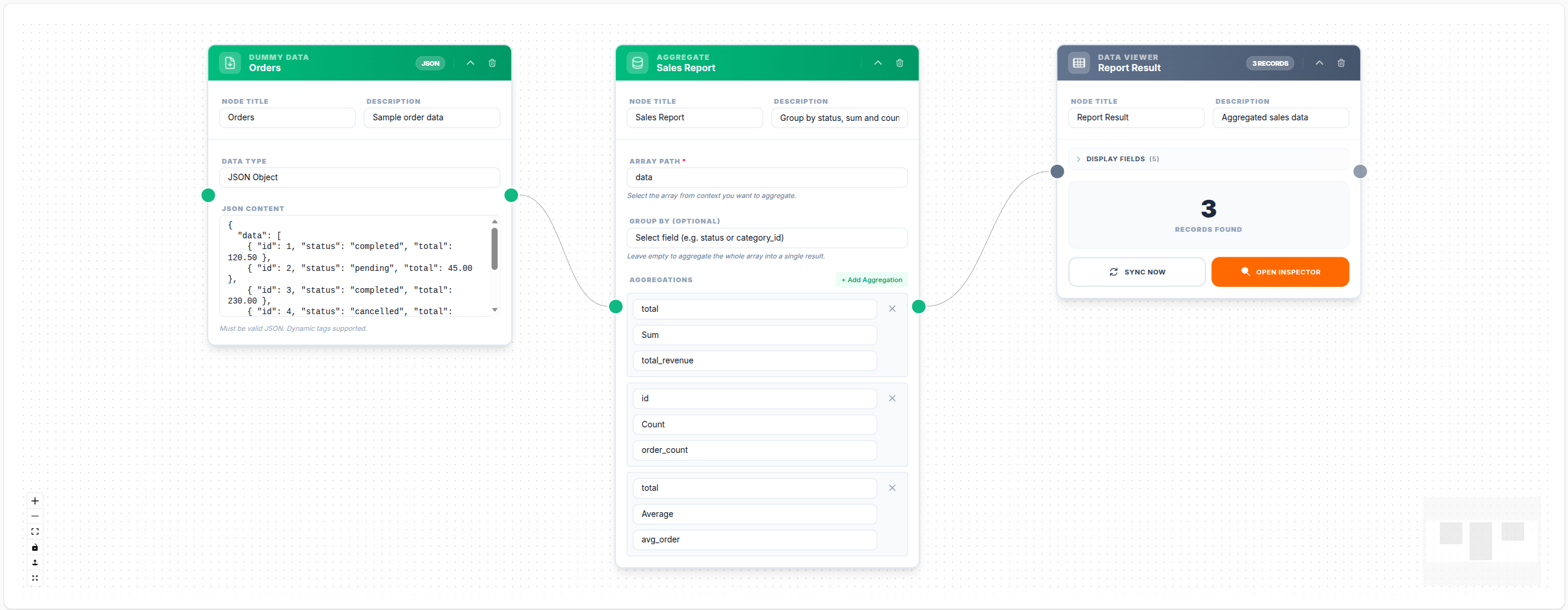
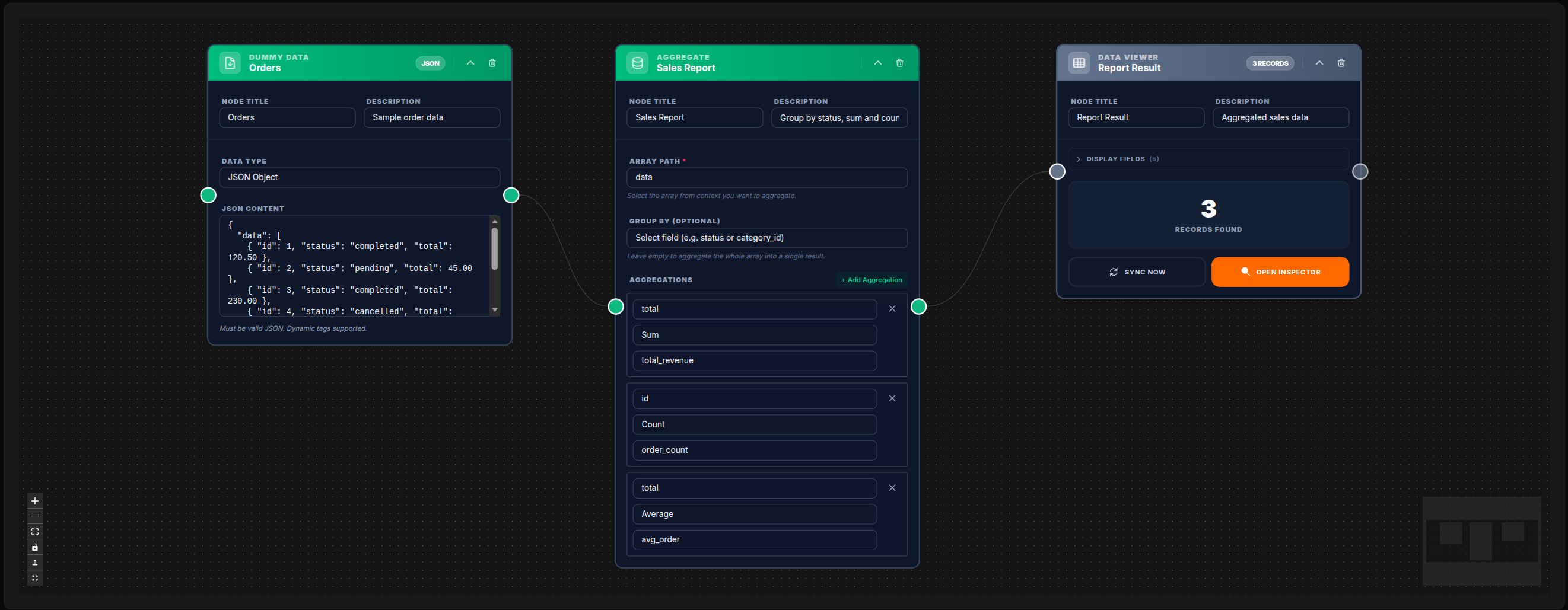
Array Path: data
Group By: status
Aggregations:
  - alias: total_revenue,  operation: sum,   field: total
  - alias: order_count,    operation: count, field: id
  - alias: avg_order,      operation: avg,   field: total
  - alias: max_order,      operation: max,   field: total
Output:
{
    "data": [
        {
            "status": "completed",
            "total_revenue": 15000,
            "order_count": 42,
            "avg_order": 357.14,
            "max_order": 2000
        },
        {
            "status": "refunded",
            "total_revenue": 500,
            "order_count": 3,
            "avg_order": 166.67,
            "max_order": 300
        }
    ]
}
💾 Try this example
Download the workflow JSON — open an empty workflow and import the file.
Notes
- The Aggregate node processes the data entirely in PHP memory using Laravel Collections — very large datasets may require chunked processing
- Records with a
nullvalue in thefieldare excluded from numeric aggregations (sum,avg,min,max) but still counted incount - Multiple aggregations can be defined in a single node — all are computed in a single pass