
Format Date
Type key: format_date
Group: Data
Category: data
Tier: CORE
The Format Date node parses a date/time value and reformats it, optionally adding or subtracting time offsets. It uses Carbon internally for robust timezone-aware date manipulation.
Handles
| Handle | Direction | Description |
|---|---|---|
input | Input | Receives data from the preceding node |
output | Output | Emits the formatted date alongside the original input |
Configuration
| Field | Type | Default | Description |
|---|---|---|---|
input_date | string | "" | The date value to format; supports {{tags}} |
output_format | string | Y-m-d H:i:s | PHP date() format string for the output |
timezone | string | UTC | Target timezone (e.g. Europe/Rome, America/New_York) |
add_days | integer | 0 | Days to add (negative = subtract) |
add_hours | integer | 0 | Hours to add (negative = subtract) |
add_minutes | integer | 0 | Minutes to add (negative = subtract) |
Input Date Parsing
The input_date field supports:
| Value | Behavior |
|---|---|
{{input.created_at}} | Parses the date from the input field |
now | Uses the current timestamp |
| (empty) | Falls back to the current timestamp |
| Any Carbon-parseable string | ISO 8601, Y-m-d, d/m/Y, timestamps, etc. |
Output
json
{
    "formatted_date": "16/03/2025",
    "iso_8601": "2025-03-16T08:00:00+00:00",
    "timestamp": 1742112000,
    "timezone": "Europe/Rome"
}
These fields are merged into the existing input data.
Common Format Strings
| Format | Example Output |
|---|---|
d/m/Y | 16/03/2025 |
Y-m-d | 2025-03-16 |
d/m/Y H:i | 16/03/2025 08:00 |
Y-m-d H:i:s | 2025-03-16 08:00:00 |
D, d M Y | Sun, 16 Mar 2025 |
l j F Y | Sunday 16 March 2025 |
U | 1742112000 (Unix timestamp) |
See the PHP date() documentation for the full format reference.
Timezone Support
All IANA timezone identifiers are supported:
yaml
Timezone: Europe/Rome
Timezone: America/New_York
Timezone: Asia/Tokyo
Timezone: UTC
Examples
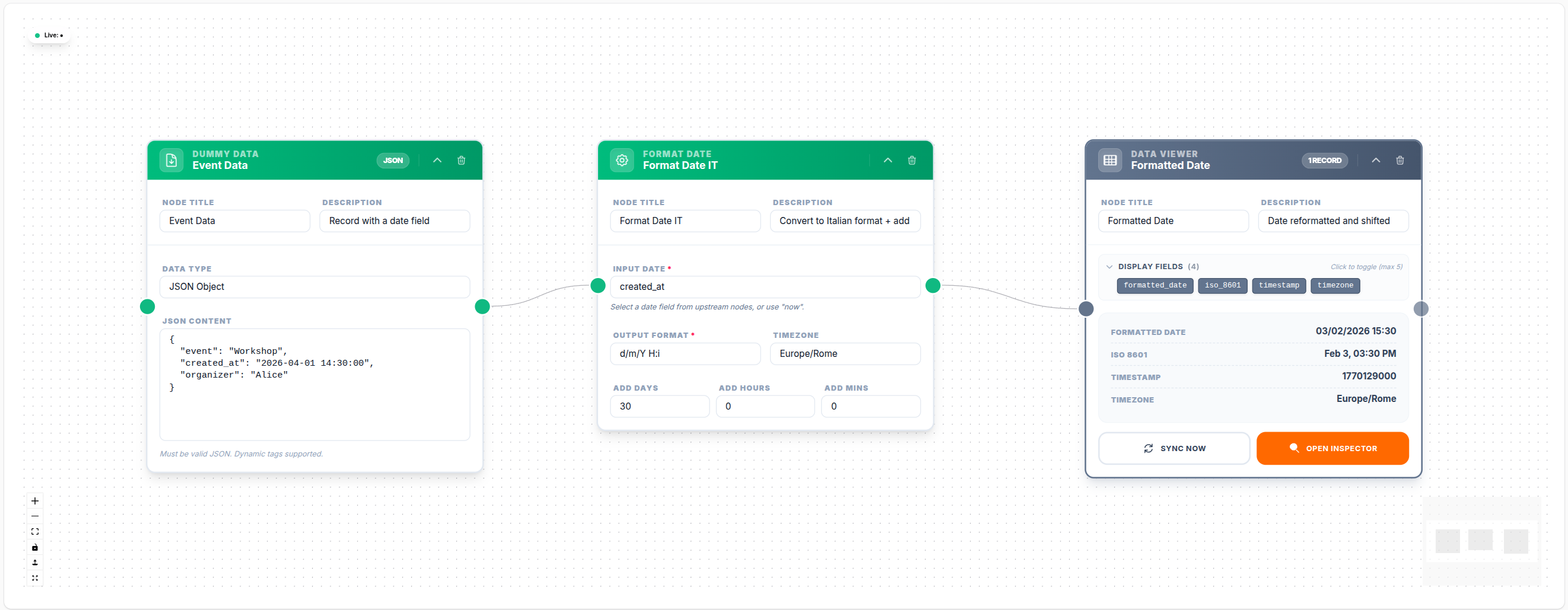
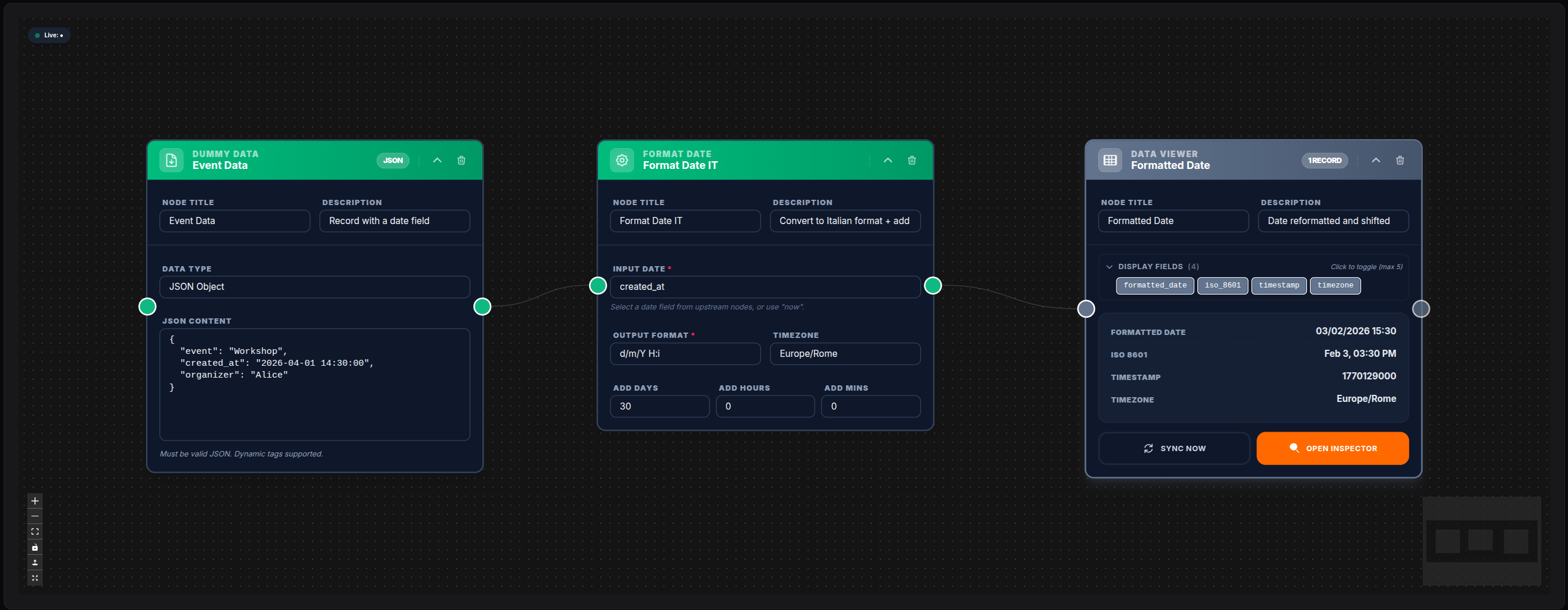
💾 Try this example
Download the workflow JSON — open an empty workflow and import the file.
Format a Record's Date
yaml
Input Date: { { input.created_at } }
Output Format: d/m/Y
Timezone: Europe/Rome
Output: formatted_date: "16/03/2025"
Calculate Expiry Date (+30 days)
yaml
Input Date: { { input.start_date } }
Output Format: Y-m-d
Add Days: 30
Get Yesterday's Date
yaml
Input Date: now
Output Format: Y-m-d
Add Days: -1
Format "3 Hours from Now" for a Reminder
yaml
Input Date: now
Output Format: Y-m-d H:i:s
Add Hours: 3
Timezone: Europe/Rome
Notes
- The Format Date node works on a single date value. To format dates on multiple records, wrap it inside a For Each loop
{{tags}}ininput_dateandoutput_formatare resolved before parsing- If Carbon cannot parse the
input_datevalue, the node returns an error - The
iso_8601output field is always in UTC with the+00:00offset, regardless of the configured timezone