
Filter
Type key: filter
Group: Data
Category: data
Tier: CORE
The Filter node removes items from an array based on one or more conditions. It is a declarative, non-destructive way to narrow down datasets without writing code.
Handles
| Handle | Direction | Description |
|---|---|---|
input | Input | Receives the data array to filter |
output | Output | Emits the filtered array |
Configuration
| Field | Type | Default | Description |
|---|---|---|---|
conditions | array | [] | Array of condition objects |
logic | enum | AND | How conditions are combined: AND or OR |
Condition Object
{
    "type": "equals",
    "data": { "field": "data.status", "value": "active" },
    "logic": "AND"
}| Property | Description |
|---|---|
type | Comparison operator (slug format) |
data.field | Dot-notation path to the field in each array item |
data.value | Value to compare against |
logic | Logic connector with next condition: AND or OR |
Smart Type Inference
The Filter node automatically detects data types from upstream JSON values and adapts the UI accordingly:
| Detected type | How detected | Operators shown | Value input |
|---|---|---|---|
| Number | typeof value === 'number' in JSON | =, !=, >, <, >=, <=, in, not_in, is_null, is_not_null | Text input |
| String | typeof value === 'string' in JSON | =, !=, contains, not_contains, starts_with, ends_with, in, not_in, is_null, is_not_null | Select from upstream values or text input (toggle with ⚡) |
| Boolean | typeof value === 'boolean' in JSON | =, !=, is_null, is_not_null, is_true, is_false | True/False dropdown |
| Date | Field name ends with _at or _date | is_exactly, is_not, is_after, is_before, is_in_the_past, is_today, is_within_X_days | Date picker |
When connected to a Data Model node, field types are inferred from the database column types via the model schema.
Value Picker (⚡)
For string fields, the value input shows a select dropdown with distinct values extracted from upstream JSON data. Click the ⚡ icon to toggle between:
- Select mode: pick from available values
- Manual mode: enter free text or dynamic expressions like
{{variable}}
Supported Operators
| Operator | Description |
|---|---|
equals | Strict equality |
not_equals | Not equal |
greater_than | Numeric > |
less_than | Numeric < |
greater_than_or_equal | Numeric >= |
less_than_or_equal | Numeric <= |
contains | String contains substring |
not_contains | String does not contain |
starts_with | String starts with |
ends_with | String ends with |
in | Value is in a comma-separated list |
not_in | Value is not in list |
is_null | Value is null |
is_not_null | Value is not null |
is_empty | Null, empty string, or empty array |
is_not_empty | Not null and not empty |
is_in_the_past | Date is in the past |
is_in_the_future | Date is in the future |
is_today | Date is today |
is_within_days | Date within X days from now |
is_within_months | Date within X months from now |
is_older_than_days | Date older than X days |
is_older_than_months | Date older than X months |
Logic Modes
AND (default)
All conditions must be satisfied for an item to pass:
Field: data.status  = active
AND
Field: data.score   > 50
Only items where both status = active AND score > 50 are included.
OR
At least one condition must be satisfied:
Field: data.status  = active
OR
Field: data.status  = trial
Items where status is either active OR trial are included.
Input Detection
The Filter node automatically detects the array to filter:
- If input has a
datakey with an array → filtersdata - If input itself is a flat array → filters it directly
The structure is preserved in the output (i.e., if the input had a data key, the output also has a data key).
Field Path Resolution
Field paths use dot notation from the root JSON (e.g., data.status, data.lifetime_value). When evaluating conditions against individual items already extracted from a collection, the Filter node progressively strips leading path segments to find the correct value.
Output
Given input:
{
    "data": [
        { "id": 1, "status": "active", "score": 80 },
        { "id": 2, "status": "inactive", "score": 90 },
        { "id": 3, "status": "active", "score": 30 }
    ]
}
With conditions: data.status = active AND data.score > 50
Output:
{
    "data": [{ "id": 1, "status": "active", "score": 80 }],
    "count": 1
}
Preset Example
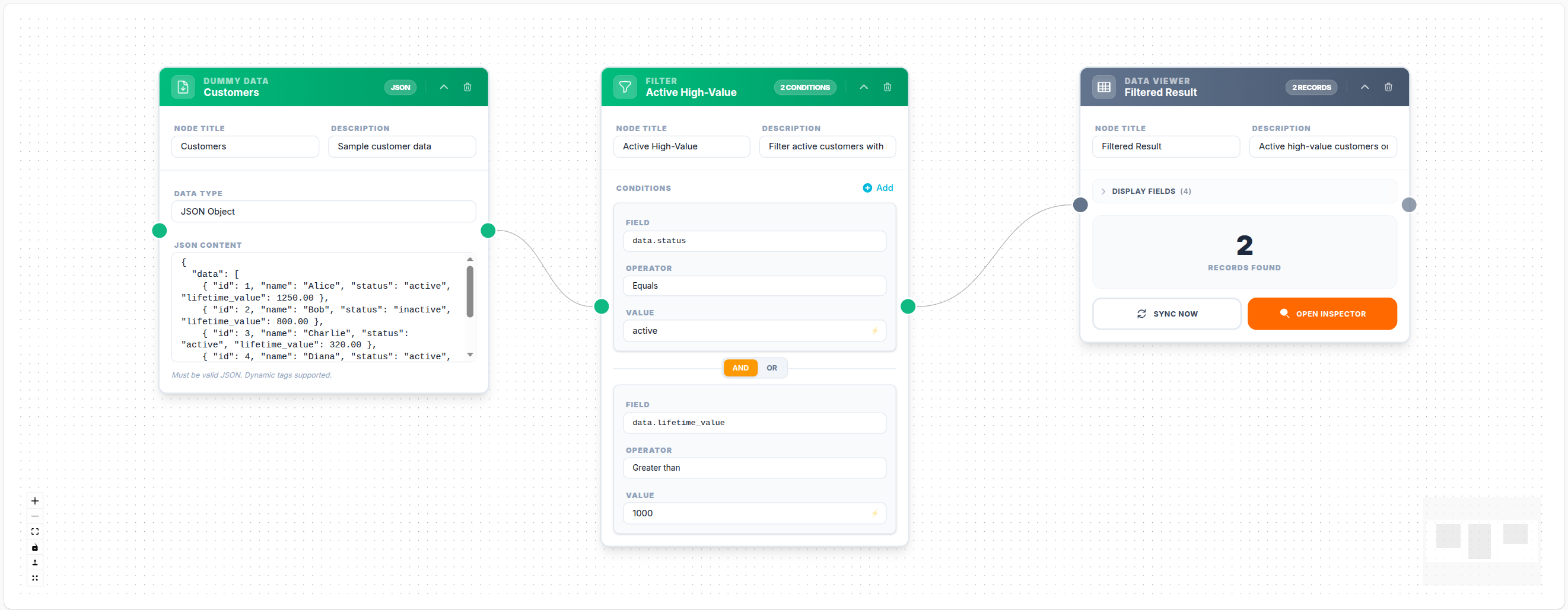
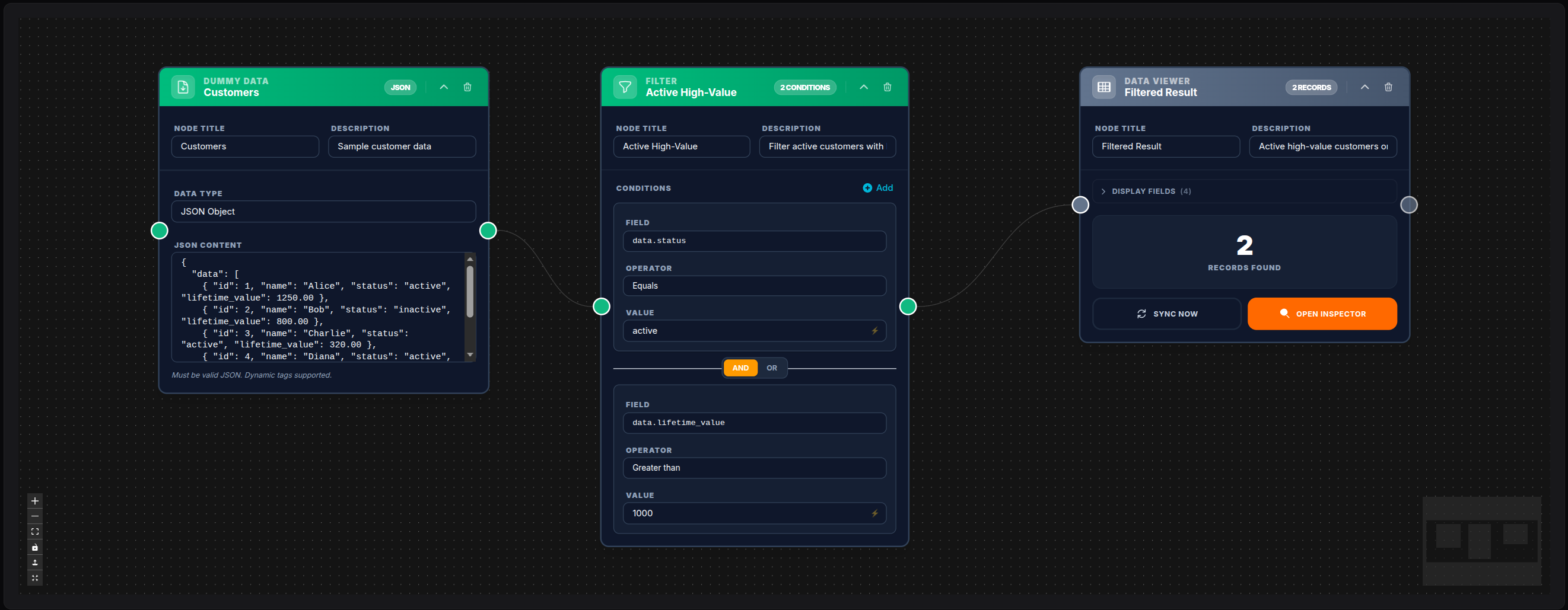
💾 Try this example
Download the workflow JSON — open an empty workflow and import the file.
Examples
Filter Active High-Value Customers
Logic: AND
Conditions:
    - data.status         equals          active
    - data.lifetime_value greater_than    500
Filter Items with Missing Email
Logic: AND
Conditions:
    - data.email  is_not_empty
Filter by Multiple Statuses (OR)
Logic: OR
Conditions:
    - data.status  equals  pending
    - data.status  equals  processing
Notes
- If no conditions are configured, all input data passes through unchanged
- The Filter node does not modify the items it passes — only includes/excludes them
- Operators shown in the UI adapt based on the detected field data type
- For transforming item fields, use the Transform node
- For a single conditional branch (not array filtering), use the If node