
Manual Trigger
Type key: manual_trigger_node
Group: Triggers
Category: trigger
Tier: CORE
The Manual Trigger node starts a workflow execution on demand from the Filament UI. It is the simplest trigger type and is most useful during workflow development, testing, or for operations that should run only when explicitly requested by a user.
Handles
| Handle | Direction | Description |
|---|---|---|
| (none) | Input | Trigger nodes have no input |
output | Output | Passes the configured payload to the first downstream node |
Configuration
| Field | Type | Default | Description |
|---|---|---|---|
label | string | Manual Trigger | Display label on the canvas |
description | string | "" | Optional description |
test_payload | JSON string | {} | Payload injected as input when running manually |
Behavior
- The user navigates to Voodflow → Workflows and clicks Run on the workflow
- The execution is dispatched (sync or async depending on
VOODFLOW_EXECUTE_SYNC) - The configured
test_payloadis passed as$context->inputto the first downstream node
Output
When the workflow runs, the test_payload JSON is parsed and its fields are spread at the root level of the output. A _meta object is appended automatically with execution metadata.
For example, if your test_payload is:
{ "tier": "free", "id": 2 }The downstream node receives:
{
    "tier": "free",
    "id": 2,
    "_meta": {
        "node_id": "manual_trigger_node-abc123",
        "timestamp": "2026-03-31T10:00:00+00:00",
        "triggered_by": "manual_trigger"
    }
}
If test_payload is empty ({}), only _meta is present.
Field discovery
Downstream nodes (Switch, If, Transform, etc.) automatically discover the fields defined in your test_payload. This means you can configure field selectors and dot-notation paths in downstream nodes based on the payload structure — without running the workflow first.
Example Use Cases
- Development and testing — run a workflow with known test data without waiting for a schedule or event
- Admin operations — trigger a one-off data migration or report generation on demand
- Debugging — reproduce a specific scenario by injecting a crafted payload
Example workflows
Switch routing with dot notation
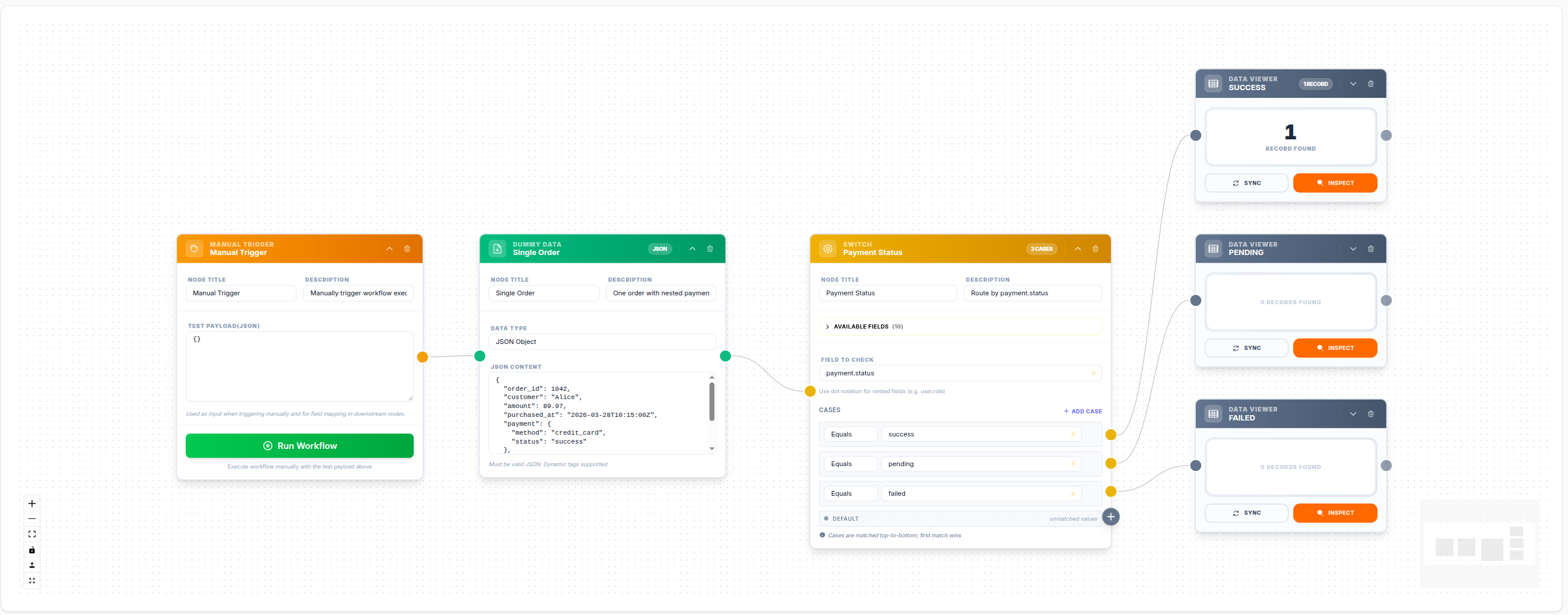
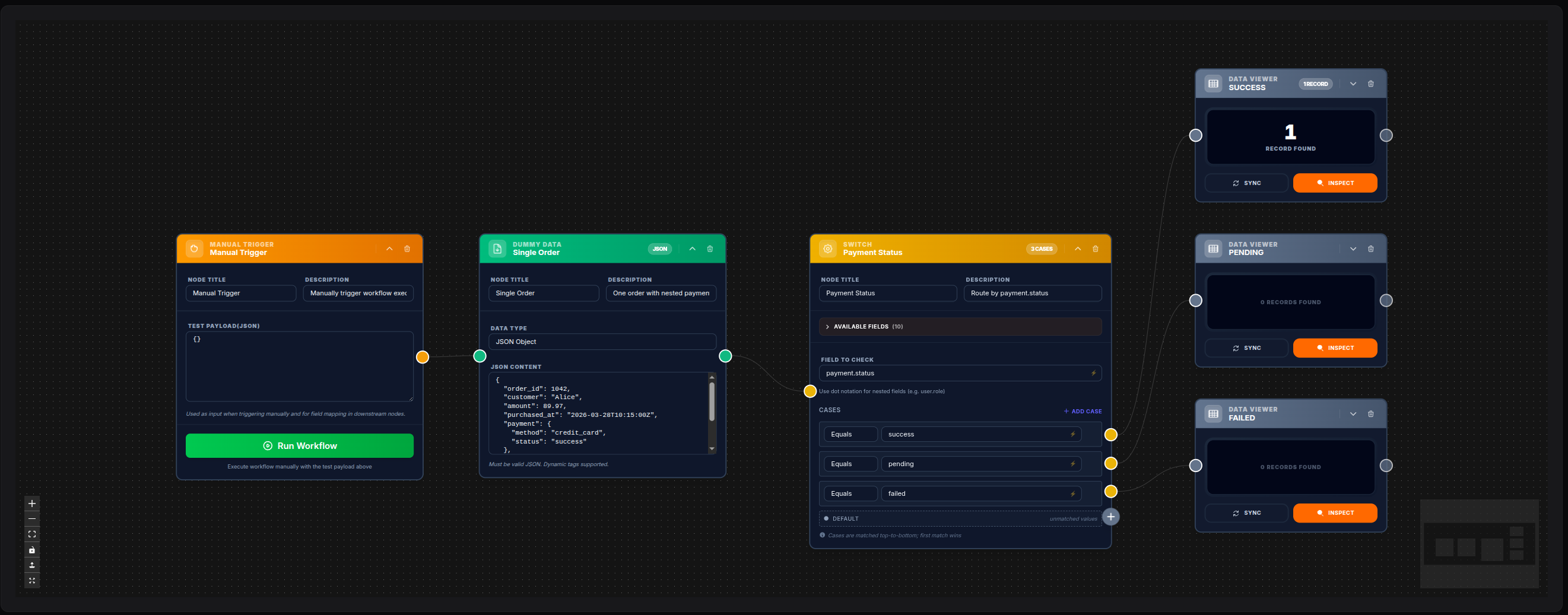
💾 Try this example
Download the workflow JSON — open an empty workflow and import the file.
Manual Trigger with ForEach iteration
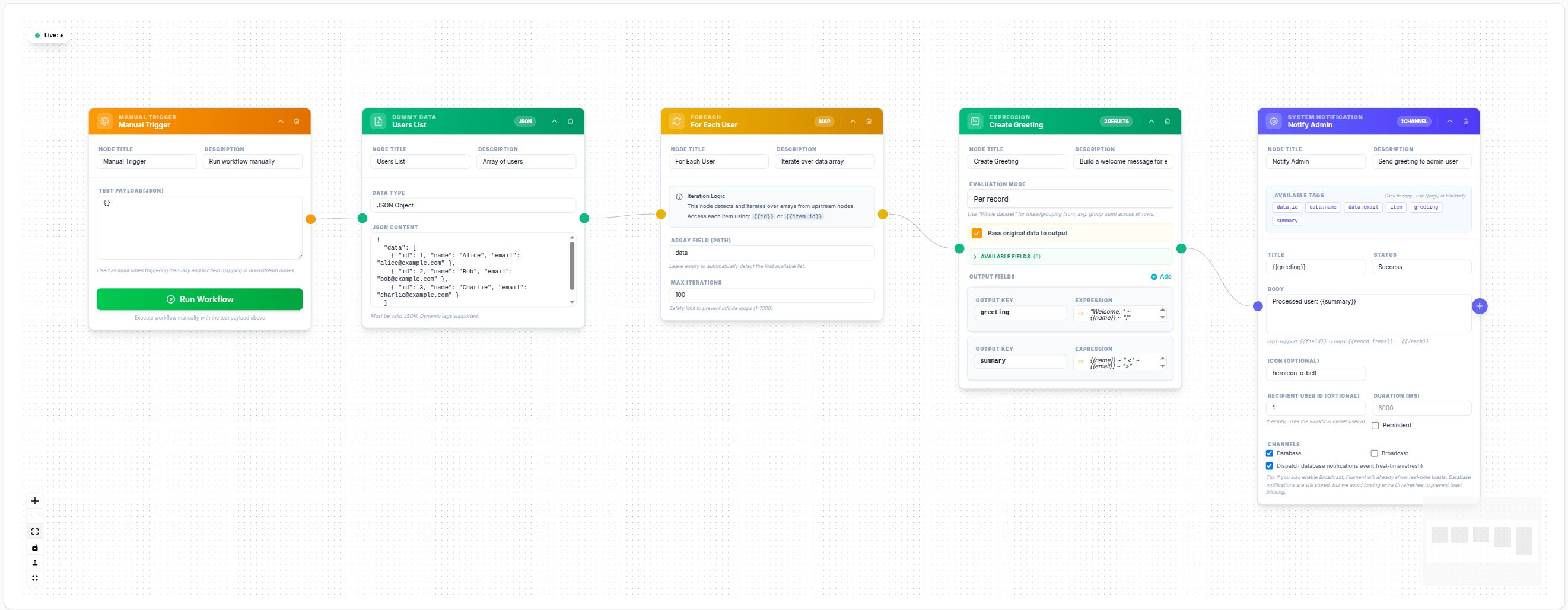
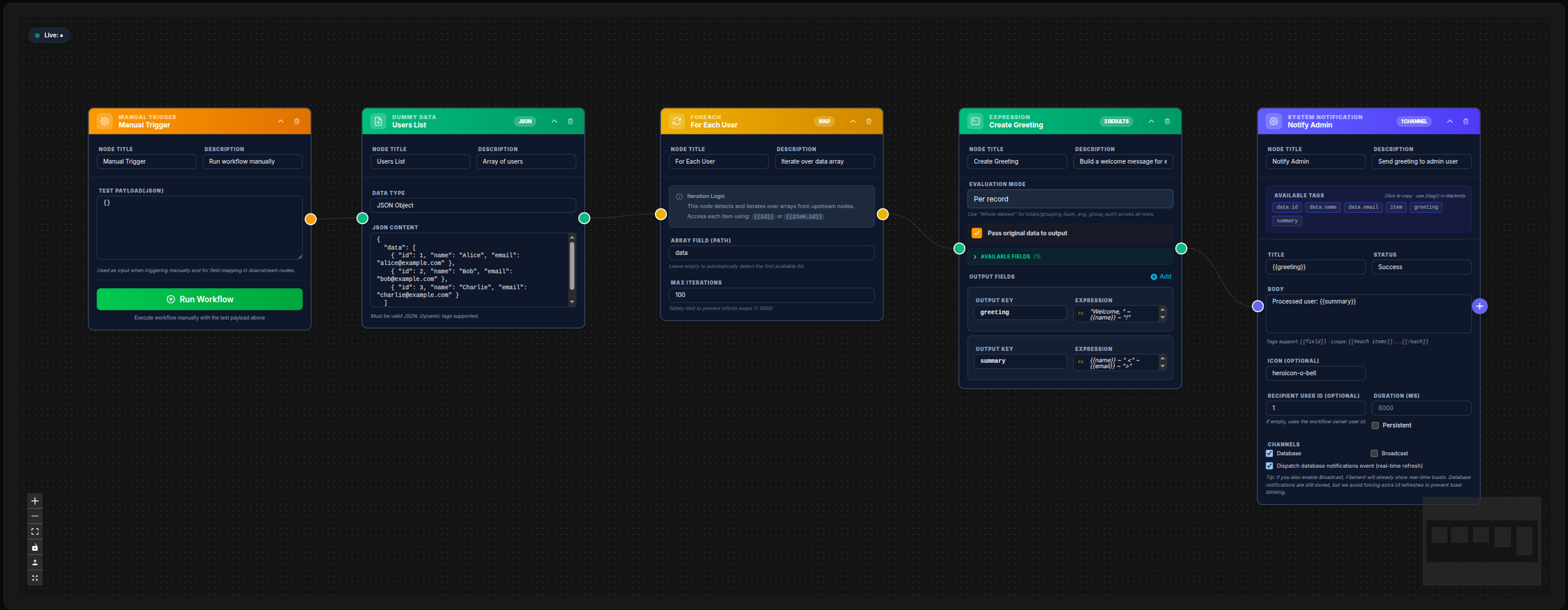
💾 Try this example
Download the workflow JSON — open an empty workflow and import the file.
Notes
- Manual trigger workflows can be run any number of times regardless of their status (
draftoractive) - Configure
test_payloaddirectly on the node to inject specific test data into the execution - Combined with the Data Viewer node, the Manual Trigger is the recommended approach for iterative workflow development