
Set Variable
Type key: set_variable_node
Group: Data
Category: data
Tier: CORE
The Set Variable node stores computed or static values in the workflow execution context. Variables persist for the entire duration of the execution and are accessible by any downstream node.
Handles
| Handle | Direction | Description |
|---|---|---|
input | Input | Receives data from the preceding node |
output | Output | Passes input data unchanged |
Configuration
| Field | Type | Default | Description |
|---|---|---|---|
variables | array | [] | Array of variable definition objects |
Variable Definition Object
{
    "name": "order_total",
    "value": "{{quantity}} * {{unit_price}}",
    "scope": "local",
    "mode": "overwrite"
}| Property | Type | Options | Description |
|---|---|---|---|
name | string | — | Variable name |
value | mixed | — | Value to assign; supports {{tags}} and expressions |
scope | enum | local, global | Variable persistence scope |
mode | enum | overwrite, merge | How to handle existing variables |
Available Tags
When the Set Variable node is connected to an upstream node, it automatically discovers and displays all available fields as clickable tags. Click any tag to copy it to your clipboard in {{tag}} format, ready to paste into any Value field.
Tags are resolved at execution time by the Expression Engine, which flattens all upstream input fields to the root level. This means you can reference any upstream field directly without prefixes:
| Upstream field | Tag syntax |
|---|---|
product | {{product}} |
quantity | {{quantity}} |
unit_price | {{unit_price}} |
Expression Engine
The Value field is evaluated by the Symfony ExpressionLanguage engine, which supports:
- Arithmetic:
{{quantity}} * {{unit_price}} - String concatenation (operator
~):"Order: " ~ {{product}} ~ " x" ~ {{quantity}} - Helper functions:
$upper({{name}}),$round({{total}}, 2),$dateFormat($now(), "d/m/Y") - Static values:
42,"hello",true
For a full list of available functions, see the Expression node documentation.
Scopes
local
The variable is scoped to the current execution. It is stored in the execution's context.vars object and is accessible to all downstream nodes in the same run.
global
The variable is persisted to the voodflow_global_variables table and is shared across all future executions of all workflows. Use with caution — global variables are mutable application state.
Modes
overwrite
Replaces the existing value entirely:
Before: counter = 5
After:  counter = 10
merge
If the existing value and the new value are both objects/arrays, performs a deep merge. Otherwise falls back to overwrite:
Before: user_data = { "name": "Alice" }
New:    { "city": "Roma" }
After:  user_data = { "name": "Alice", "city": "Roma" }
Accessing Variables Downstream
Variables set by this node are available downstream in two ways:
In template fields (TagReplacer)
Variables are flattened to the root context, so use them directly:
Title:   New Order: ${{order_total}}
Body:    {{order_summary}}
URL:     https://api.example.com/{{region}}/data
In PHP Code node
$apiKey = $context->getVar('api_key');
$counter = $context->getVar('counter', 0);
Preset Example
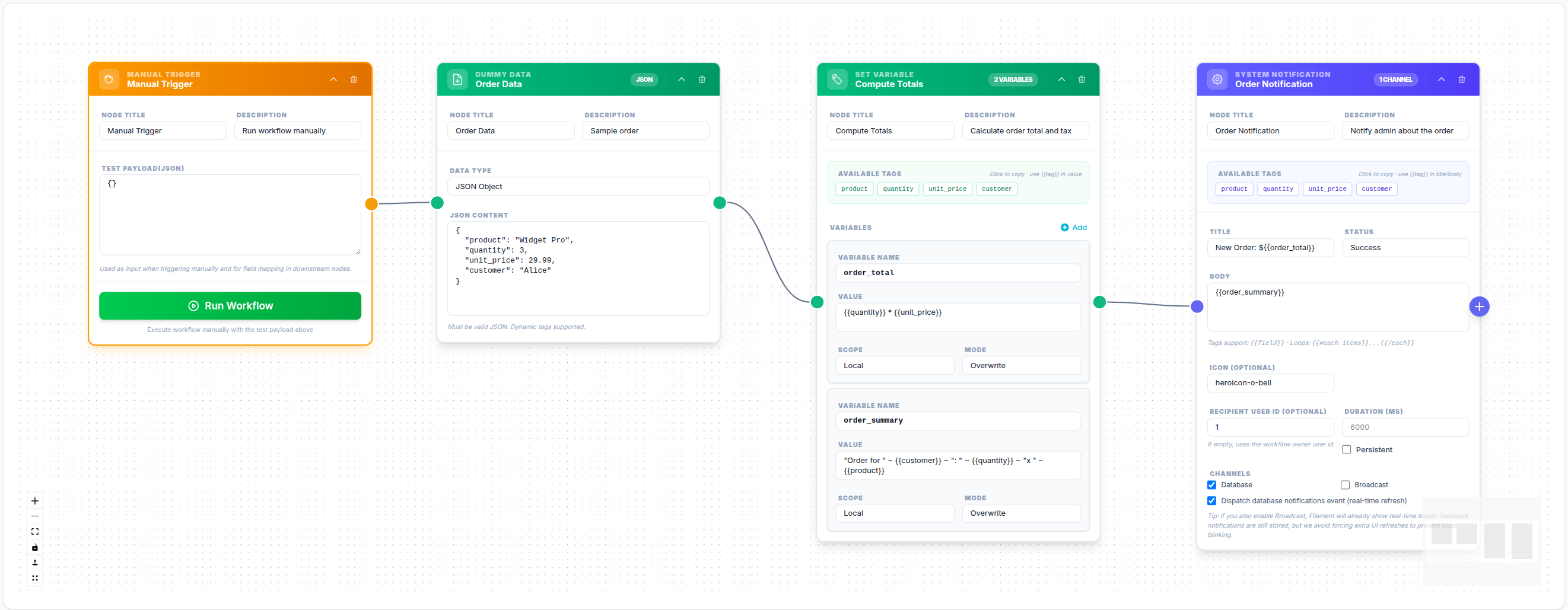
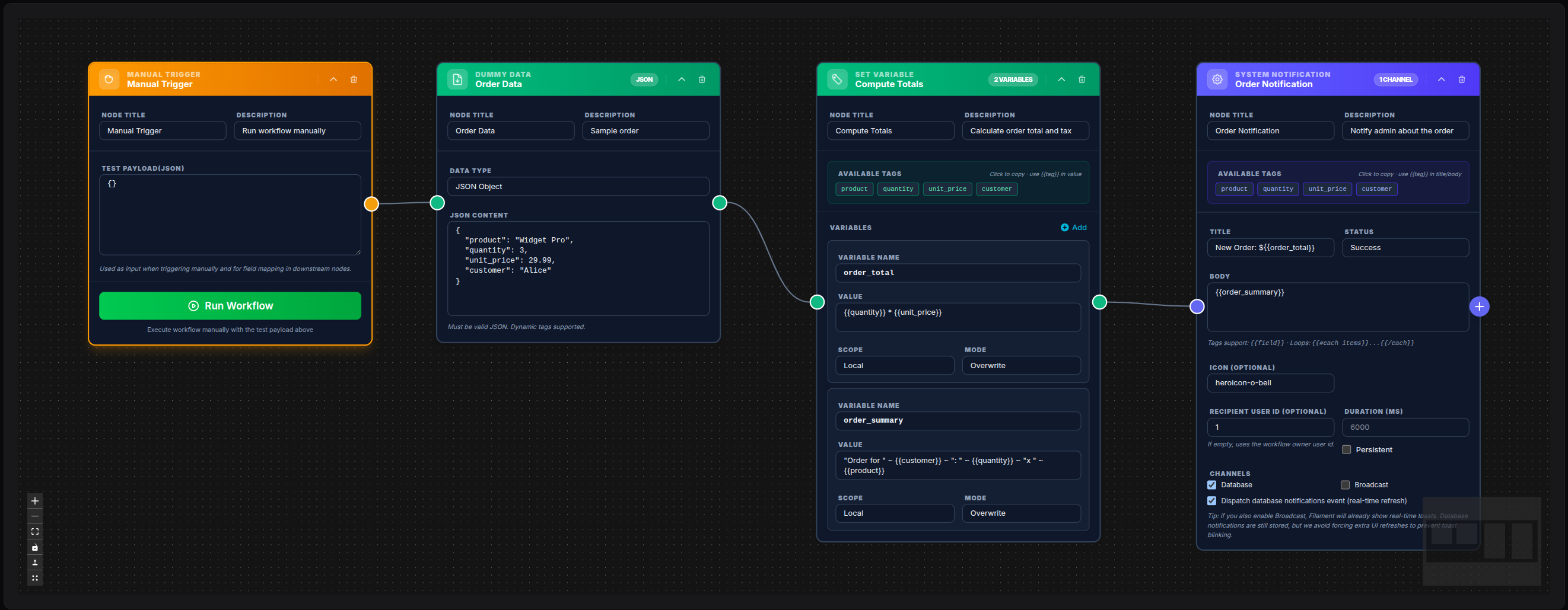
💾 Try this example
Download the workflow JSON — open an empty workflow and import the file.
This example demonstrates:
- Manual Trigger → Dummy Data (order JSON with
product,quantity,unit_price,customer) - Set Variable computes
order_total({{quantity}} * {{unit_price}}) andorder_summary(string concatenation with~) - System Notification displays the computed variables using
{{order_total}}and{{order_summary}}
Set Variable inside If/Merge workflow
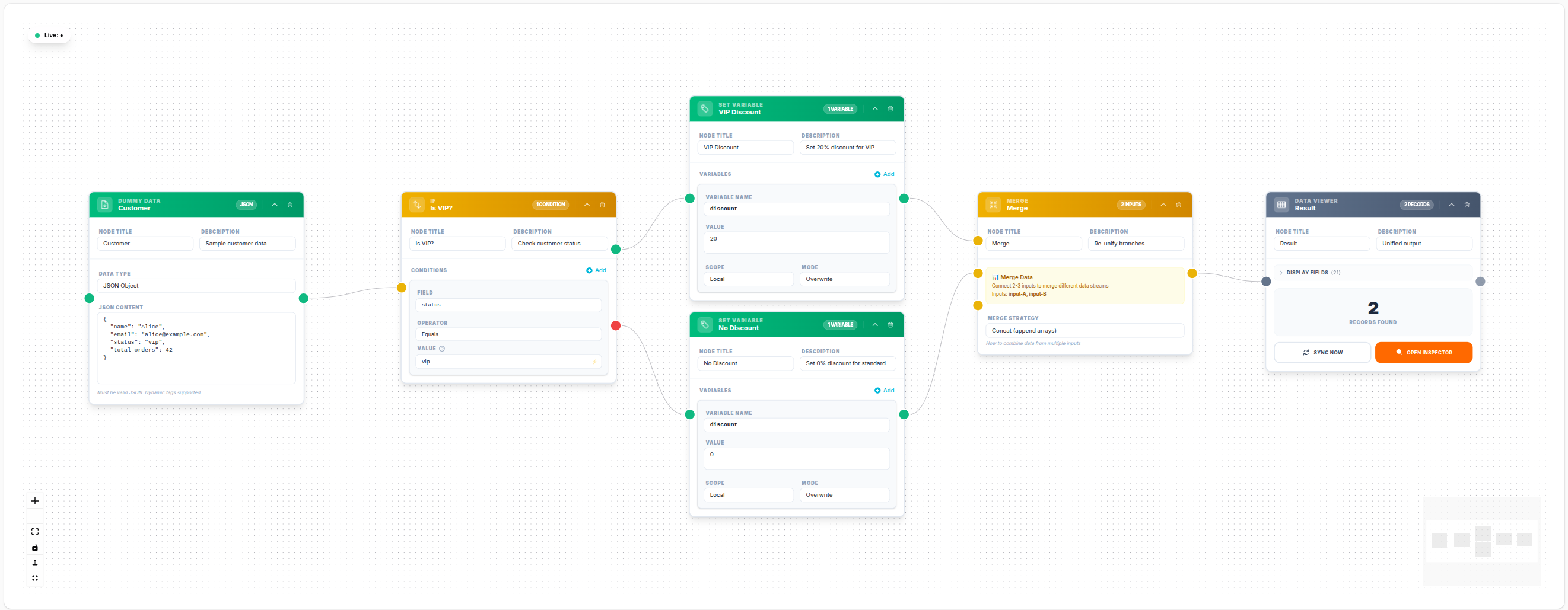
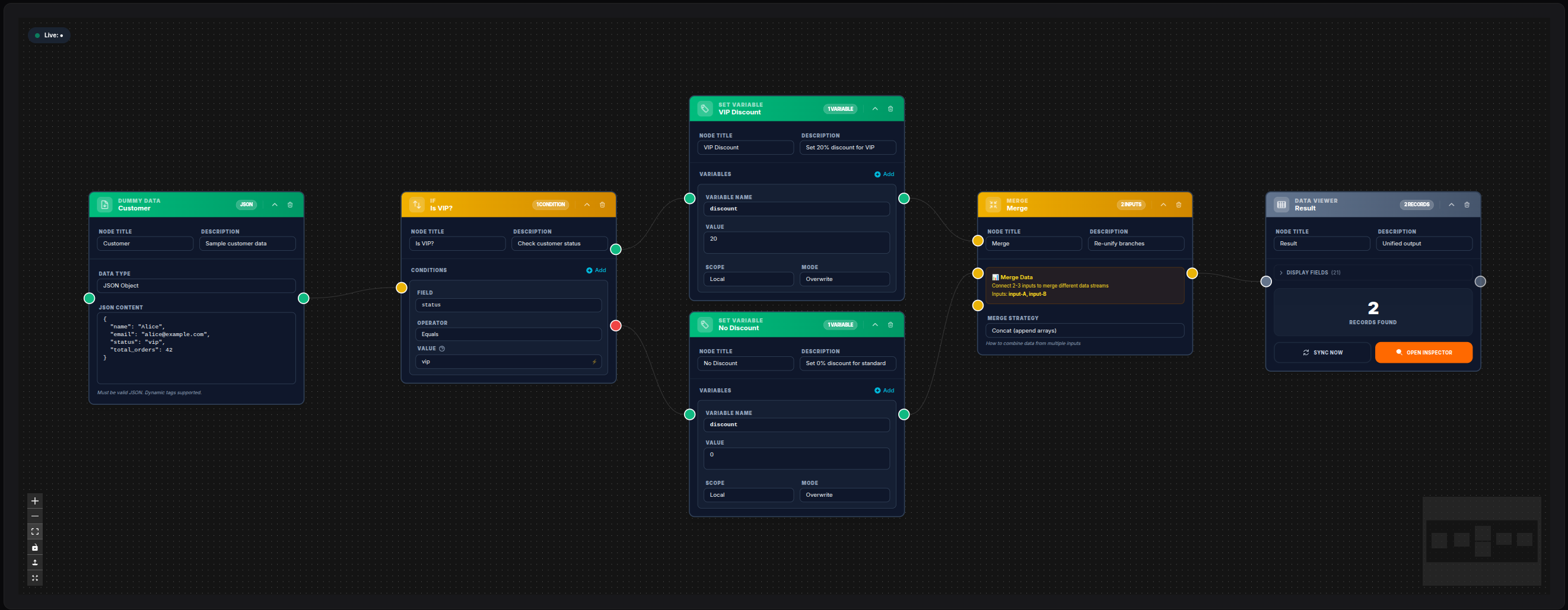
💾 Try this example
Download the workflow JSON — open an empty workflow and import the file.
Examples
Compute an Order Total
Variables:
    - name: order_total
      value: "{{quantity}} * {{unit_price}}"
      scope: local
      mode: overwrite
Build a Summary String
Variables:
    - name: order_summary
      value: '"Order for " ~ {{customer}} ~ ": " ~ {{quantity}} ~ "x " ~ {{product}}'
      scope: local
      mode: overwrite
Store an API Base URL
Variables:
    - name: api_base_url
      value: https://api.example.com/v2
      scope: local
      mode: overwrite
Then in HTTP Request: URL: {{api_base_url}}/users
Increment a Counter (Global)
Variables:
    - name: daily_email_count
      value: "{{daily_email_count}} + 1"
      scope: global
      mode: overwrite
Store a Period Description
Variables:
    - name: period_label
      value: '"Week of " ~ $dateFormat($now(), "d/m/Y")'
      scope: local
      mode: overwrite
Merge Enrichment Data
Variables:
    - name: order_context
      value: '{ "currency": "EUR", "tax_rate": 0.22 }'
      scope: local
      mode: merge
Notes
- The Set Variable node does not modify
$context->input— input passes through unchanged - Variable names should be lowercase with underscores (snake_case) for consistency
- Global variables are visible to all workflows — use meaningful, namespaced names to avoid collisions
- Variable values are resolved at execution time;
{{tags}}invalueare expanded before storing - The Available Tags section shows fields from all connected upstream nodes
- Tags use simple
{{field}}syntax — the Expression Engine flattens input fields to the root level automatically