
Expression
Type key: expression_node
Group: Data
Category: data
Tier: CORE
The Expression node evaluates dynamic expressions to compute new fields, perform calculations, transform strings, and apply conditional logic. It is more powerful than simple {{tag}} replacement and is the go-to tool for computed fields without writing PHP.
Handles
| Handle | Direction | Description |
|---|---|---|
input | Input | Receives data from the preceding node |
output | Output | Emits input data with computed fields added/replaced |
Configuration
| Field | Type | Default | Description |
|---|---|---|---|
expressions | array | [] | Array of expression definitions |
pass_through_input | boolean | true | Include all original input fields in the output |
evaluation_mode | enum | per_record | per_record or dataset |
Expression Object
{
    "field": "price_with_tax",
    "expression": "{{input.price}} * 1.22"
}| Property | Description |
|---|---|
field | Output field name where the result is stored |
expression | The expression to evaluate |
Expression Syntax
Arithmetic
{{input.subtotal}} + {{input.shipping}}
{{input.quantity}} * {{input.unit_price}}
{{input.total}} / {{input.count}}
{{input.value}} % 100
Comparison (returns boolean)
{{input.score}} > 80
{{input.age}} >= 18
{{input.status}} == "active"
Ternary Operator
{{input.quantity}} >= 10 ? 0.15 : 0.05
{{input.vip}} == true ? "VIP" : "Standard"
String Concatenation
{{input.first_name}} + " " + {{input.last_name}}Built-in Functions
String Functions
| Function | Description | Example |
|---|---|---|
$upper(str) | Convert to uppercase | $upper({{input.name}}) |
$lower(str) | Convert to lowercase | $lower({{input.email}}) |
$trim(str) | Remove whitespace | $trim({{input.code}}) |
$length(str) | String length | $length({{input.description}}) |
$replace(str, search, replace) | Replace substring | $replace({{input.text}}, "foo", "bar") |
$contains(str, needle) | Check substring | $contains({{input.tags}}, "urgent") |
$substr(str, start, length) | Extract substring | $substr({{input.code}}, 0, 3) |
Math Functions
| Function | Description | Example |
|---|---|---|
$round(num, decimals) | Round to N decimal places | $round({{input.price}}, 2) |
$floor(num) | Round down | $floor({{input.score}}) |
$ceil(num) | Round up | $ceil({{input.average}}) |
$abs(num) | Absolute value | $abs({{input.delta}}) |
$min(a, b) | Minimum | $min({{input.a}}, {{input.b}}) |
$max(a, b) | Maximum | $max({{input.a}}, {{input.b}}) |
Date Functions
| Function | Description | Example |
|---|---|---|
$dateFormat(date, format) | Format a date | $dateFormat({{input.created_at}}, "d/m/Y") |
$dateDiff(date1, date2, unit) | Difference between dates | $dateDiff({{input.start}}, {{now}}, "days") |
$dateAdd(date, amount, unit) | Add time to a date | $dateAdd({{input.date}}, 7, "days") |
$now() | Current datetime string | $now() |
Currency Functions
| Function | Description | Example |
|---|---|---|
$currency(value, code, locale, decimals) | Format a number as currency string | $currency({{input.total}}, "EUR", "it_IT", 2) |
$currency_it(value, decimals) | Shortcut for EUR + italian locale | $currency_it({{input.total}}, 2) |
Function signature:
$currency(value, currencyCode = 'EUR', locale = 'it_IT', decimals = 2)value: numeric value to formatcurrencyCode: ISO-like code (e.g.EUR,USD,GBP,CHF,JPY)locale: formatting style hint (e.g.it_IT,en_US,de_DE)decimals: number of decimal digits
Important: locale must be a quoted string literal:
$currency({{input.total}}, "USD", "en_US", 2)   // ✅
$currency({{input.total}}, "USD", en_US, 2)     // ❌
Examples by locale:
$currency({{input.total}}, "EUR", "it_IT", 2)   // 4.048,00 €
$currency({{input.total}}, "USD", "en_US", 2)   // $ 4,048.00
Important: currency helpers do not divide by 100 automatically. If your values are in cents, divide explicitly:
$currency({{input.total}} / 100, "EUR", "it_IT", 2)Evaluation Modes
per_record
Expressions are evaluated once per item in the dataset. Use this when the input is a single record or when processing inside a For Each loop.
dataset
Expressions are evaluated once against the entire dataset object. Use this for meta-level computations that operate on the whole context (e.g. counting records, computing totals across the dataset).
Examples
Calculate Total with VAT
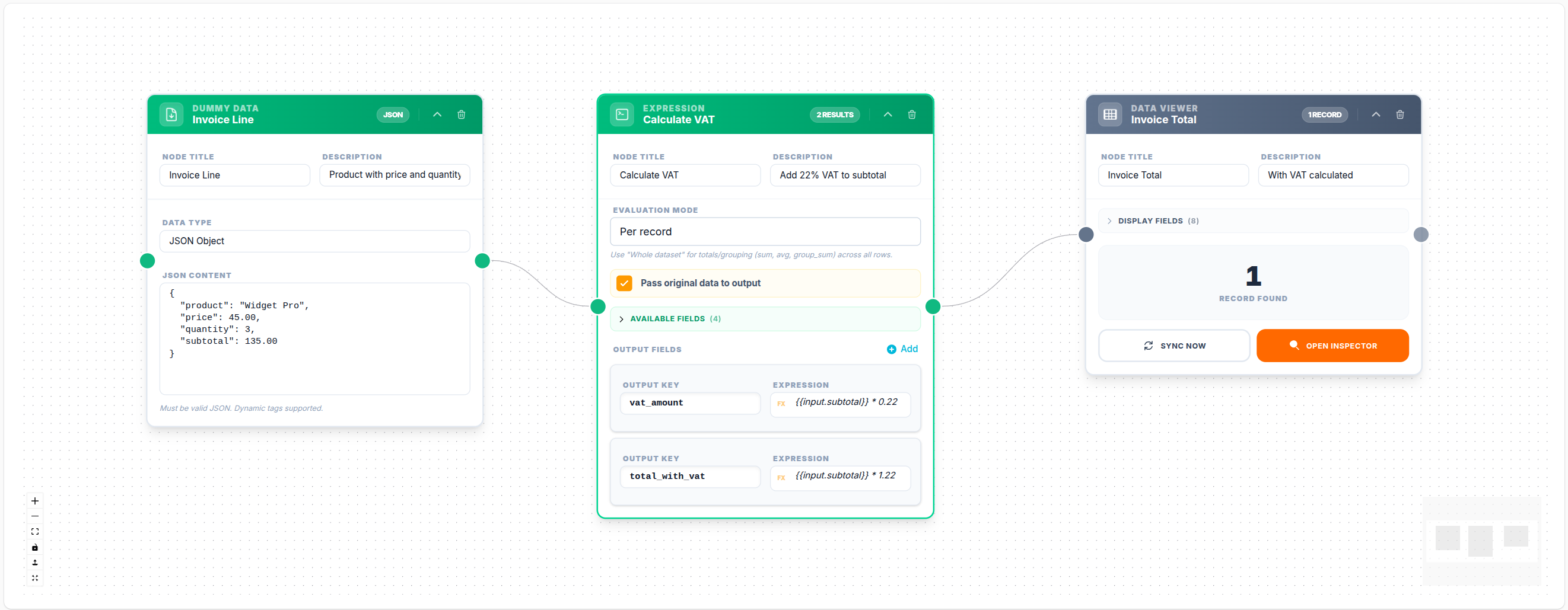
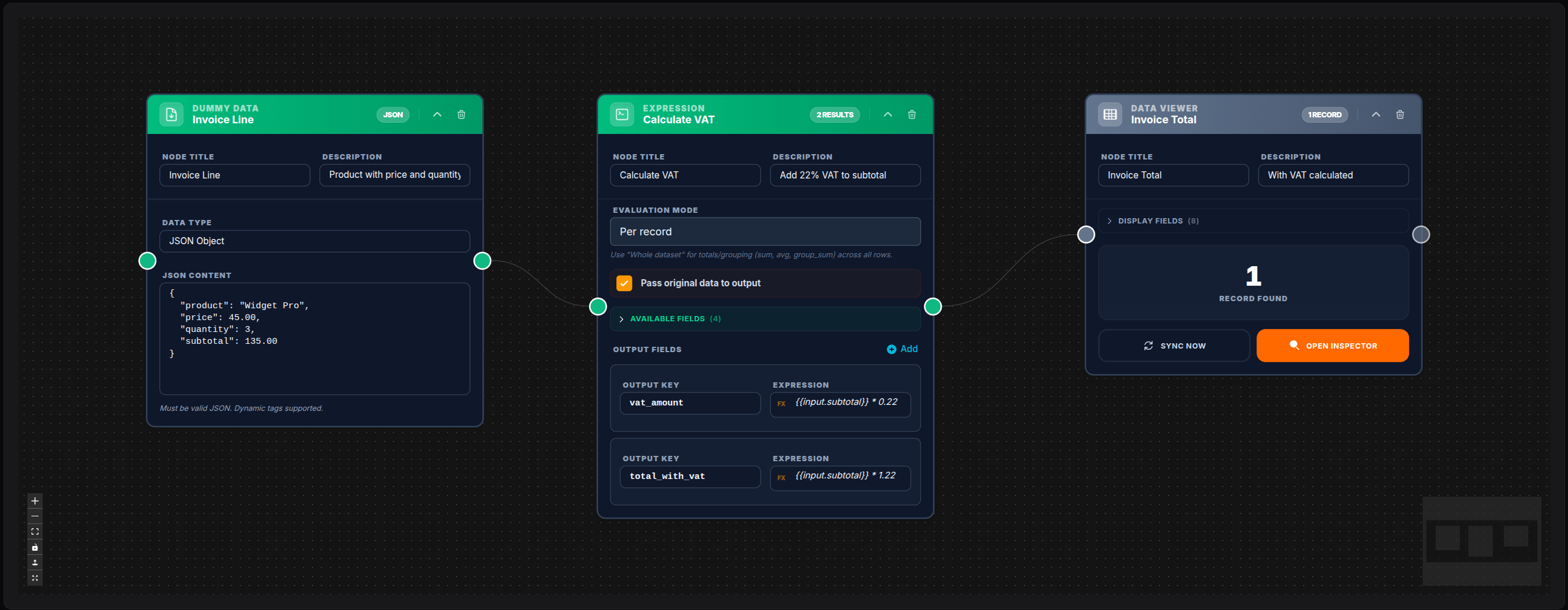
{
    "field": "total_with_vat",
    "expression": "{{input.subtotal}} * 1.22"
}
💾 Try this example
Download the workflow JSON — open an empty workflow and import the file.
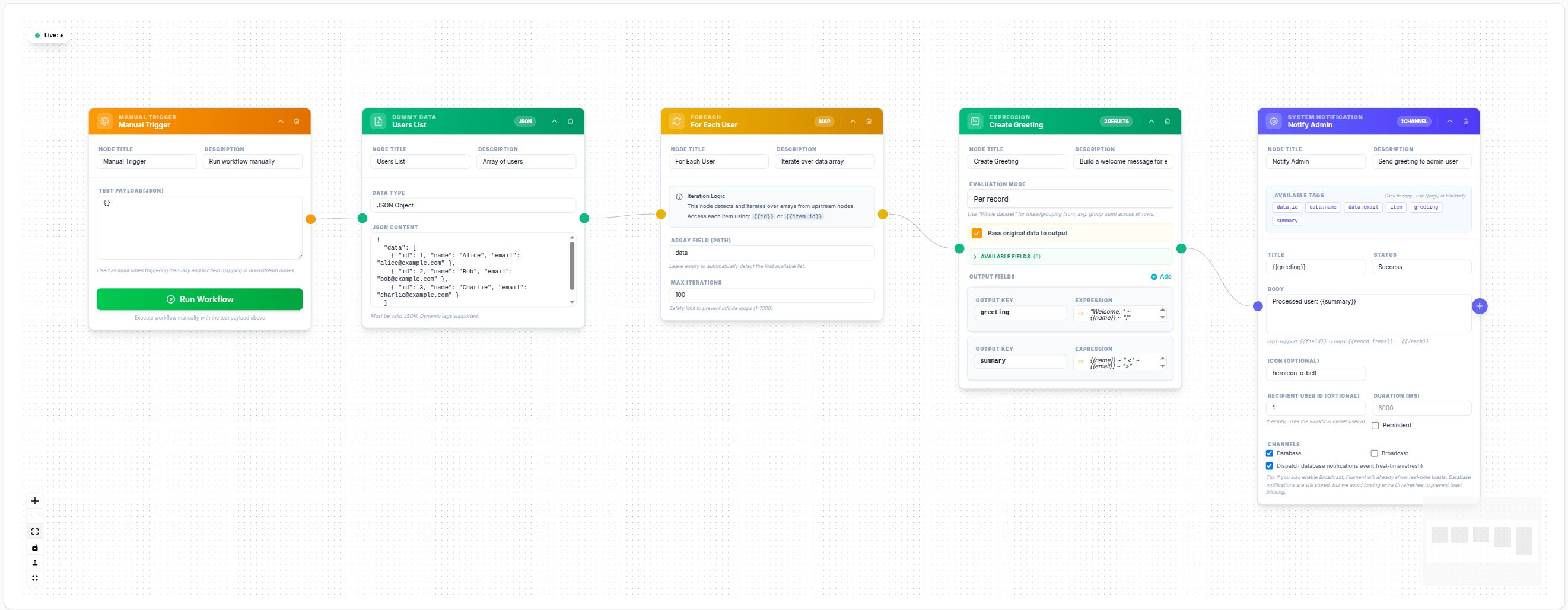
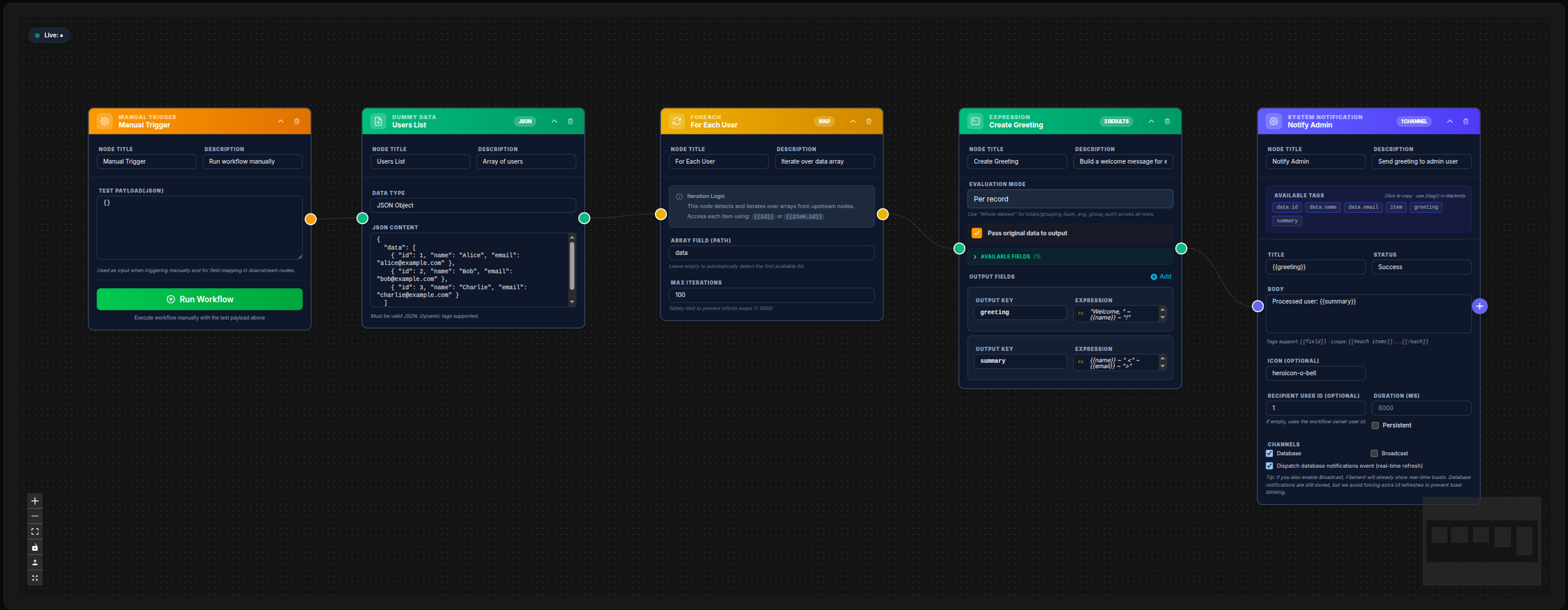
Expression inside For Each (greeting per user)
With For Each, each iteration exposes the current item as input. An Expression node in per_record mode can build fields such as a personalized greeting from {{input.name}}.
💾 Try this example
Download the workflow JSON — open an empty workflow and import the file.
Conditional Discount
{
    "field": "discount_rate",
    "expression": "{{input.quantity}} >= 10 ? 0.15 : 0.05"
}
Clean and Normalize Name
{
    "field": "clean_name",
    "expression": "$upper($trim({{input.name}}))"
}
Days Since Created
{
    "field": "days_since_registration",
    "expression": "$dateDiff({{input.created_at}}, $now(), \"days\")"
}
Notes
- When
pass_through_input: true, all original fields are preserved and new computed fields are added alongside them - When
pass_through_input: false, only the fields listed inexpressionsappear in the output - Expression evaluation errors (division by zero, invalid types) result in
nullfor that field, not a node failure - For complex logic that outgrows the expression engine, use the PHP Code node