
Transform
Type key: transform_node
Group: Data
Category: data
Tier: CORE
The Transform node remaps, renames, and restructures data from one format to another using a declarative field mapping configuration. It is ideal for preparing data for API calls, restructuring responses, or projecting only the fields needed downstream.
Handles
| Handle | Direction | Description |
|---|---|---|
input | Input | Receives the source data |
output | Output | Emits the transformed data structure |
Configuration
| Field | Type | Default | Description |
|---|---|---|---|
mappings | array | [] | Array of mapping objects |
keep_unmapped | boolean | false | Include fields not explicitly mapped in the output |
Mapping Object
{
    "source": "input.customer.email",
    "target": "email",
    "expression": null,
    "mode": "single"
}| Property | Type | Description |
|---|---|---|
source | string | Dot-notation path to the source field |
target | string | Name of the output field |
expression | string/null | Optional expression to transform the value |
mode | enum | single (one value) or array (collect array of values) |
Mapping Modes
single (default)
Copies a single value from source to target.
{
    "source": "input.user.firstName",
    "target": "first_name"
}
array
Extracts a specific field from each element of an array and collects the values.
{
    "source": "input.items[*].product_id",
    "target": "skus",
    "mode": "array"
}
If input.items = [{product_id: "A"}, {product_id: "B"}], then skus = ["A", "B"].
Expressions
When expression is set, the source value is passed through an expression before being assigned to the target. The expression uses the same syntax as the Expression node:
{
    "source": "input.price",
    "target": "price_with_tax",
    "expression": "{{value}} * 1.22"
}{
"source": "-",
"target": "full_name",
"expression": "{{input.first_name}} + ' ' + {{input.last_name}}"
}Use {{value}} to refer to the extracted source value, or {{input.field}} to reference any field from the input.
Currency Formatting
You can format values as currency directly in Transform expressions:
source: total_amount
target: total_amount_label
expression: "$currency({{value}}, 'EUR', 'it_IT', 2)"
Example output: 4.048,00 €
Function signature:
$currency(value, currencyCode = 'EUR', locale = 'it_IT', decimals = 2)value: numeric value to formatcurrencyCode: ISO-like code (e.g.EUR,USD,GBP,CHF,JPY)locale: formatting style hint (e.g.it_IT,en_US,de_DE)decimals: number of decimal digits
Important: locale must be a string literal in quotes:
expression: "$currency({{value}}, 'USD', 'en_US', 2)" # ✅ correctexpression: "$currency({{value}}, 'USD', en_US, 2)" # ❌ invalid (missing quotes)Convenience alias for italian/euro:
source: total_amount
target: total_amount_label
expression: "$currency_it({{value}}, 2)"
Examples by locale:
expression: "$currency({{value}}, 'EUR', 'it_IT', 2)"  # 4.048,00 €
expression: "$currency({{value}}, 'USD', 'en_US', 2)"  # $ 4,048.00
Important: currency helpers do not divide by 100 automatically. If your source is in cents, divide explicitly:
expression: "$currency({{value}} / 100, 'EUR', 'it_IT', 2)"Supported mapped currency symbols include: EUR, USD, GBP, CHF, JPY, CNY, CAD, AUD, NZD, SEK, NOK, DKK, PLN, CZK, RON, HUF, TRY, BRL, INR, RUB, ZAR, MXN, SGD, HKD.
If a code is not mapped, the function uses the currency code itself as suffix/prefix.
Examples
API Request Body Preparation
Input (from Data Model):
{
    "id": 1,
    "first_name": "Alice",
    "email": "alice@example.com",
    "created_at": "2025-01-01"
}
Mappings:
source: input.id          → target: userId
source: input.first_name  → target: name
source: input.email       → target: emailAddress
Output:
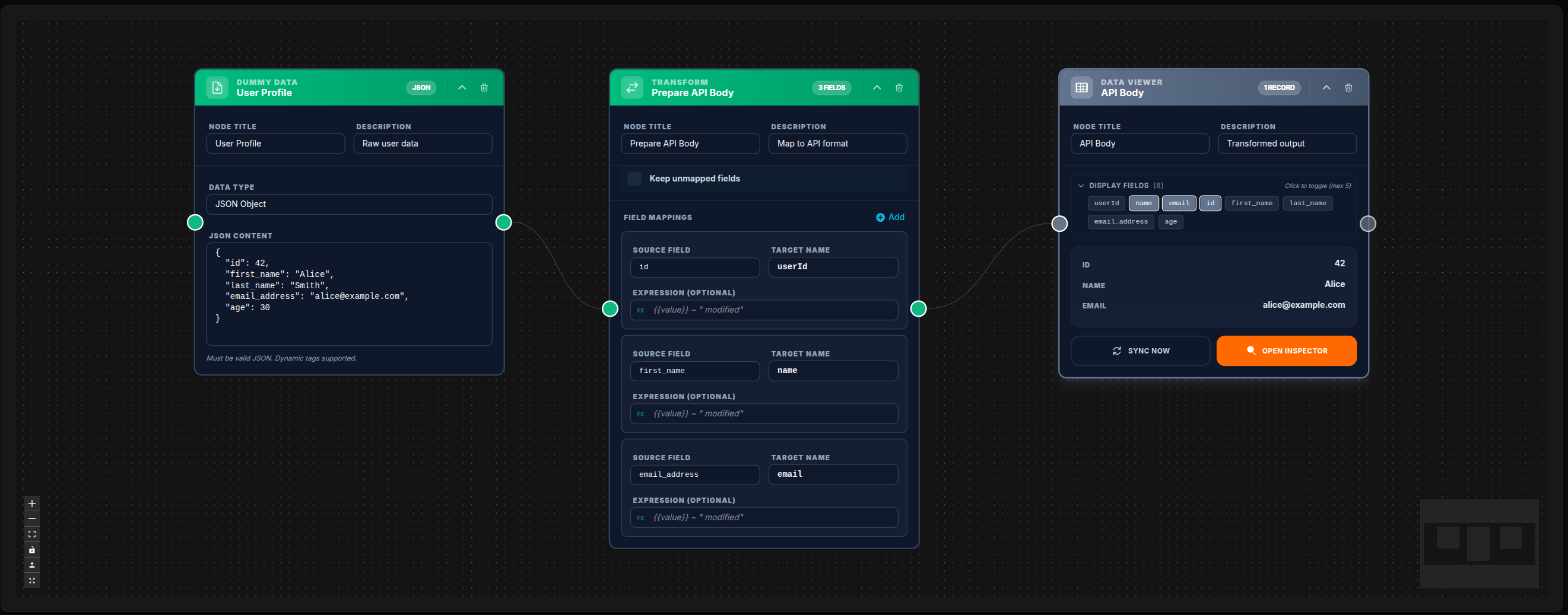
{ "userId": 1, "name": "Alice", "emailAddress": "alice@example.com" }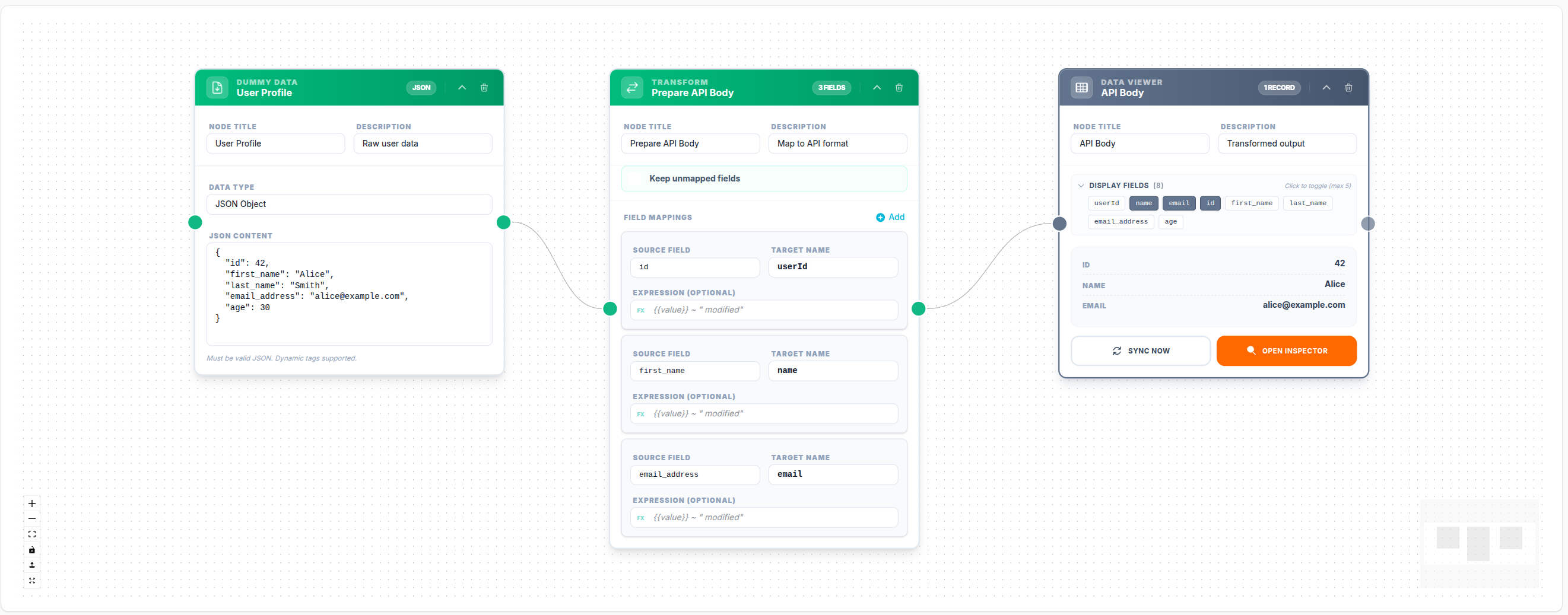
💾 Try this example
Download the workflow JSON — open an empty workflow and import the file.
Extract with Expression (Price + Tax)
source: input.price
target: total_price
expression: "{{value}} * 1.22"
Combine Two Fields
source: -
target: full_name
expression: "{{input.first_name}} + ' ' + {{input.last_name}}"
Collect Array of IDs
source: input.orders[*].id
target: order_ids
mode: array
Result: "order_ids": [1, 2, 3, 4]
Keep Unmapped Fields
When keep_unmapped: true, all fields present in the input that are not explicitly mapped are included in the output alongside the mapped fields. Useful when you only need to add or rename a few fields.
Notes
source: "-"means the field has no source — the value is computed entirely from theexpression- The Transform node processes a single record — if input contains an array in
data, wrap it with a For Each node first - Unlike the Expression node (which adds new fields to existing input), the Transform node produces a new object containing only the mapped fields (unless
keep_unmapped: true)