
System Notification
Type key: system_notification
Group: Notifications
Category: notification
Tier: CORE
The System Notification node sends native Filament Notifications to a target user (Filament 4 · Filament 5).
It supports both persistent database notifications and real-time broadcast toasts, with full {{tag}} templating from upstream workflow data.
Handles
| Handle | Direction | Description |
|---|---|---|
input | Input | Receives data used for {{tags}} and recipient resolution |
output | Output | Passes through input and appends _notification metadata on success |
Configuration
| Field | Type | Default | Description |
|---|---|---|---|
title | string | "" | Notification title. Supports {{tags}}. |
body | string | "" | Optional notification body. Supports {{tags}}, loops and conditionals. |
status | enum | info | Visual style: success, warning, danger, info, none. |
icon | string|null | null | Optional icon override (e.g. heroicon-o-bell). |
icon_color | string|null | null | Optional icon color override. Only relevant when status is none (otherwise the status already defines the tone). |
persistent | boolean | false | If true, toast stays visible until dismissed. |
duration_ms | integer|null | null | Auto-dismiss timeout in milliseconds (ignored when persistent). |
channels | array | ["database"] | Delivery channels: database, broadcast (one or both). |
dispatch_database_event | boolean | true | Dispatch DB notification refresh event when using database only. |
recipient_user_id | string|int|null | null | Target user id. Supports static id or {{tag}} (e.g. {{id}}). |
Recipient Resolution
Recipient resolution follows this order:
- If
recipient_user_idis configured, it is resolved (including{{tags}}). - If resolved value is numeric, that user is targeted.
- If
recipient_user_idis empty, fallback is the workflow owner user. - If
recipient_user_idis explicitly configured but cannot be resolved to a valid numeric id, the node fails.
This prevents accidental notifications being sent to the workflow owner when a tag is wrong or missing.
Tag Resolution Details
This node supports rich template resolution:
- Simple tags:
{{name}},{{email}},{{customer.id}} - Loops:
{{#each items}}...{{/each}} - Conditionals:
{{#if something}}...{{else}}...{{/if}}
When upstream nodes output collections (for example Data Model), System Notification automatically tries to expose the first record as root keys, so templates like {{id}}, {{name}}, and {{email}} work without verbose paths.
Channel Behavior
Database channel
- Stores a notification row for the recipient user.
- Can optionally dispatch Filament database refresh event (
dispatch_database_event).
Broadcast channel
- Sends real-time toast via broadcast.
- When both
databaseandbroadcastare enabled, the node avoids forcing extra DB refresh events to reduce toast blinking/re-mount effects.
Output
On success, the node appends _notification metadata to the outgoing payload:
{
    "_notification": {
        "channels": ["database", "broadcast"],
        "recipient_user_id": 4,
        "title": "Technician alert",
        "status": "danger",
        "sent_at": "2026-03-27T16:00:00+00:00"
    }
}
Use Cases
System Notification receiving ForEach iterations
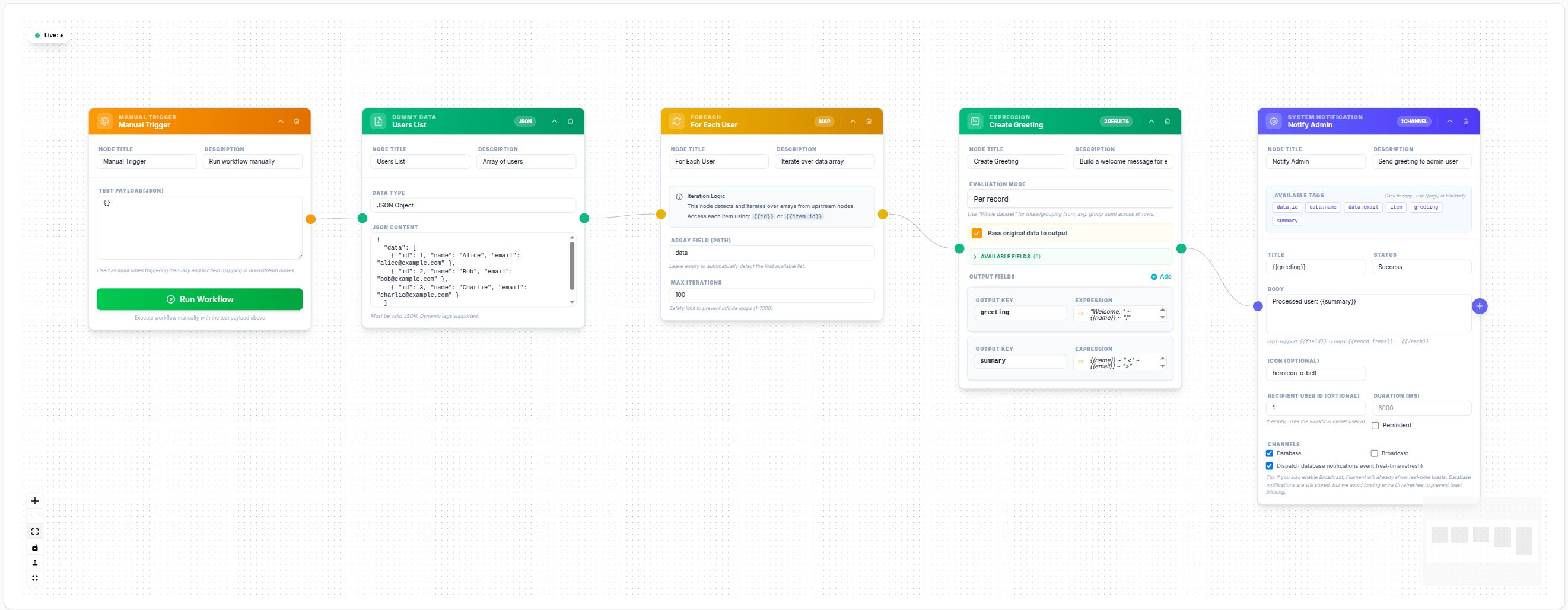
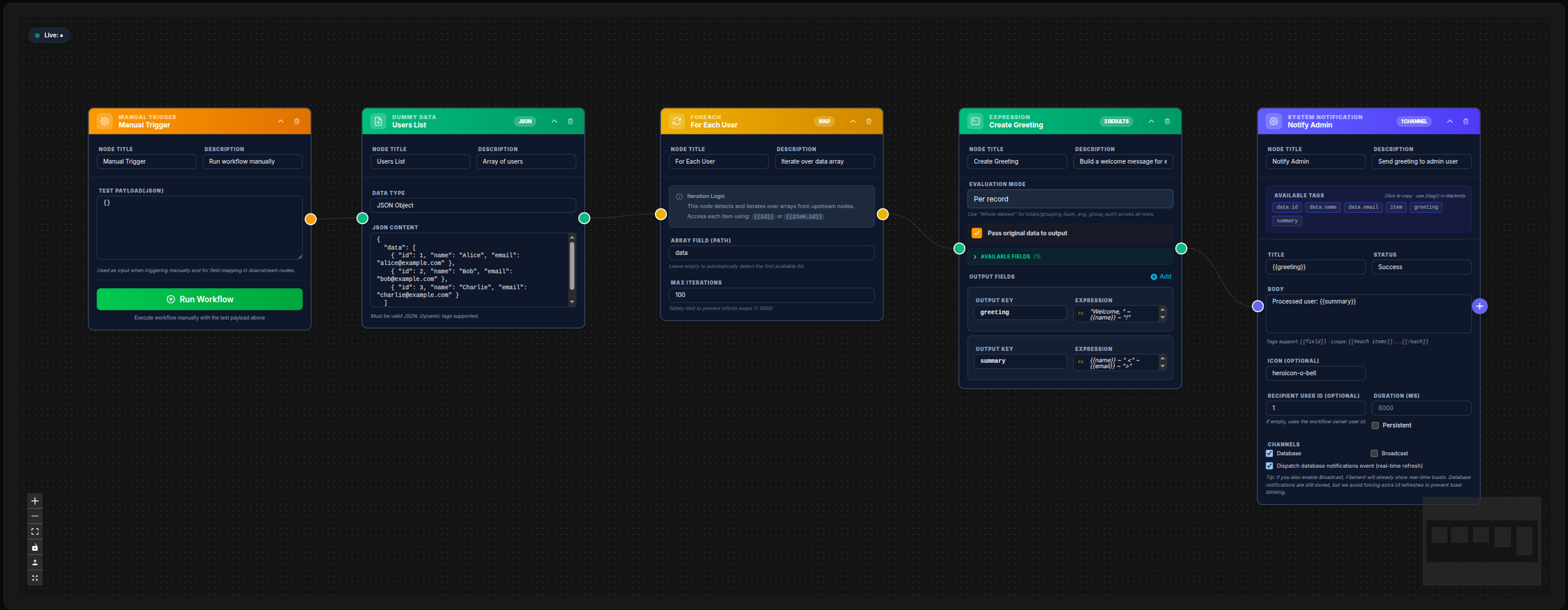
💾 Try this example
Download the workflow JSON — open an empty workflow and import the file.
System Notification with computed variables
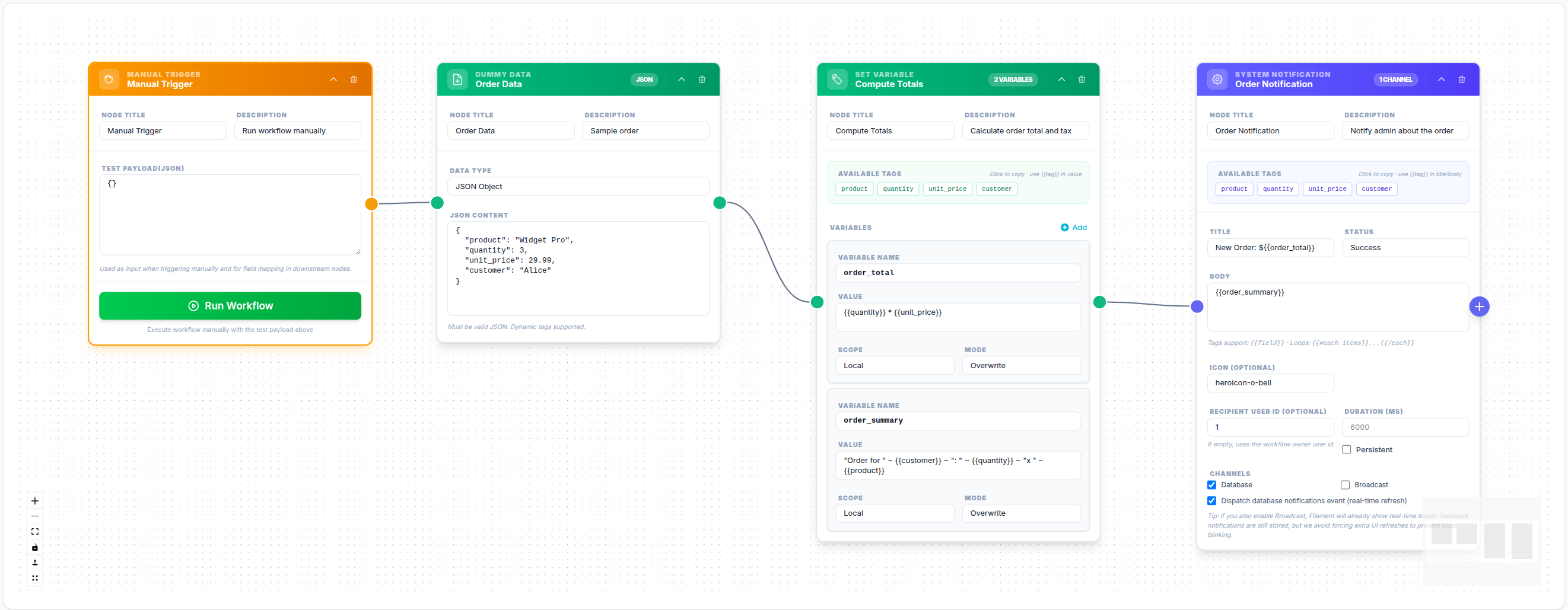
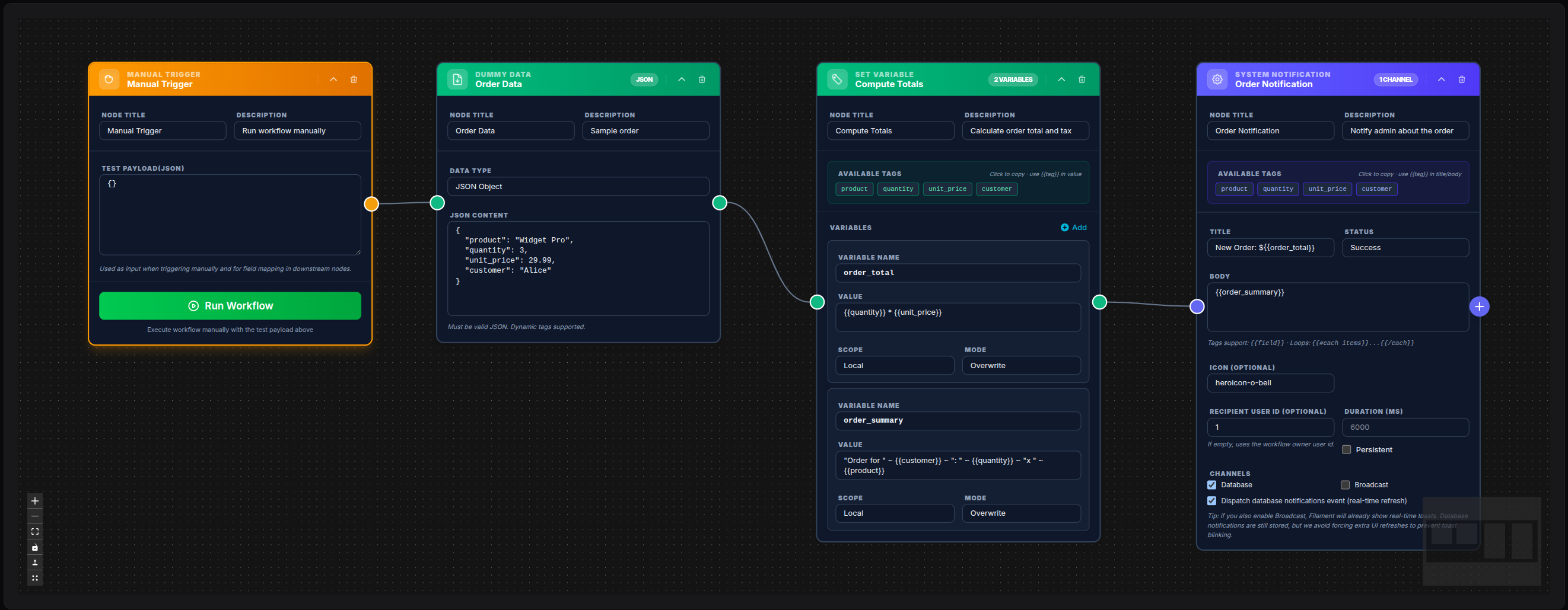
💾 Try this example
Download the workflow JSON — open an empty workflow and import the file.
Notify assigned technician from Data Model
Data Model:
  model: App\Models\User
  conditions:
    - field: id
      operator: =
      value: 4

System Notification:
  recipient_user_id: "{{id}}"
  title: "New ticket assigned"
  body: "Hi {{name}}, a new ticket is waiting for you."
  channels: [database, broadcast]
  status: info
System alert for failed branch
Catch(error branch) -> System Notification

recipient_user_id: 1
title: "Workflow failed"
body: "Node {{_caught_error.node_id}} failed: {{_caught_error.message}}"
channels: [database]
status: danger
persistent: true
Quiet database-only operational feed
recipient_user_id: 1
title: "Nightly job completed"
body: "Processed {{count}} records."
channels: [database]
dispatch_database_event: false
status: success
Notes
- At least one channel is required.
recipient_user_idcan be dynamic, but must resolve to a real numeric user id.- If both channels are enabled, users get real-time toasts and persistent history in the notifications drawer.
icon_coloris intended for neutral notifications (status: none) where you still want a colored icon.