
For Each
Type key: for_each_node
Group: Flow Control
Category: flow
Tier: CORE
Version: 1.1.0
The For Each node iterates over an array, executing the downstream sub-graph once per item. It is the primary tool for processing lists of records — sending one email per user, making one API call per order, transforming each item in a dataset.
Handles
| Handle | Direction | Description |
|---|---|---|
input | Input | Receives the data containing the array to iterate |
output | Output | Emits once per item, with the current item as input |
Configuration
| Field | Type | Default | Description |
|---|---|---|---|
array_field | string | "" | Dot-notation path to the array within input (e.g. data, users, body.items) |
max_iterations | integer | 100 | Safety cap — the node fails if the array exceeds this count |
Behavior
Array Resolution
The node resolves the array to iterate in the following order:
- If
array_fieldis set, usesdata_get($input, 'array_field')with dot notation support - If not set, auto-detects by scanning input for the first list-type array at these keys in order:
body,data,items,records - Falls back to the first array-type value found in the input
Iteration Execution
For each element in the resolved array:
- The element is assigned to
$context->inputas the iteration item - The item is accessible as
{{item.field_name}}in all downstream node templates; item fields are also spread at root level (e.g.{{email}}directly) - Loop metadata is available at
{{_loop.index}},{{_loop.total}},{{_loop.first}},{{_loop.last}} - All downstream nodes are executed in sequence with this item context
- After all items are processed, results from each iteration are collected
Safety Limits
The max_iterations cap prevents accidental processing of huge datasets:
- If the array has more items than
max_iterations, the node returnsExecutionResult::failure()with the message: "Array size (N) exceeds max iterations (M)" - The workflow execution halts at this node — no iterations are processed
- Use a Catch node downstream if you want to handle this gracefully
Output
The For Each node uses a multi-iteration execution result. It does not emit a single aggregated object at the end. Instead, each iteration's data is propagated independently to the downstream nodes — once per item.
During each iteration, the downstream node receives the item fields merged at the root of the context, along with an item reference and _loop metadata:
{
    "id": 1,
    "name": "Alice",
    "email": "alice@example.com",
    "item": { "id": 1, "name": "Alice", "email": "alice@example.com" },
    "_loop": { "index": 0, "total": 2, "first": true, "last": false }
}
If you need to collect all iteration results into a single array, add a Merge node (strategy concat) downstream.
Accessing Item Fields in Downstream Nodes
During iteration, the item fields are available at the root of the context. You can access them directly or via the item key:
| Template | Resolves to |
|---|---|
{{email}} | The email field of the current item |
{{item.email}} | Same, via the item reference |
{{item.id}} | The id field of the current item |
{{item.address.city}} | Nested field access |
{{_loop.index}} | Current index (0-based) |
{{_loop.total}} | Total number of items |
{{_loop.first}} | true on the first iteration |
{{_loop.last}} | true on the last iteration |
Example: Send Email Per User
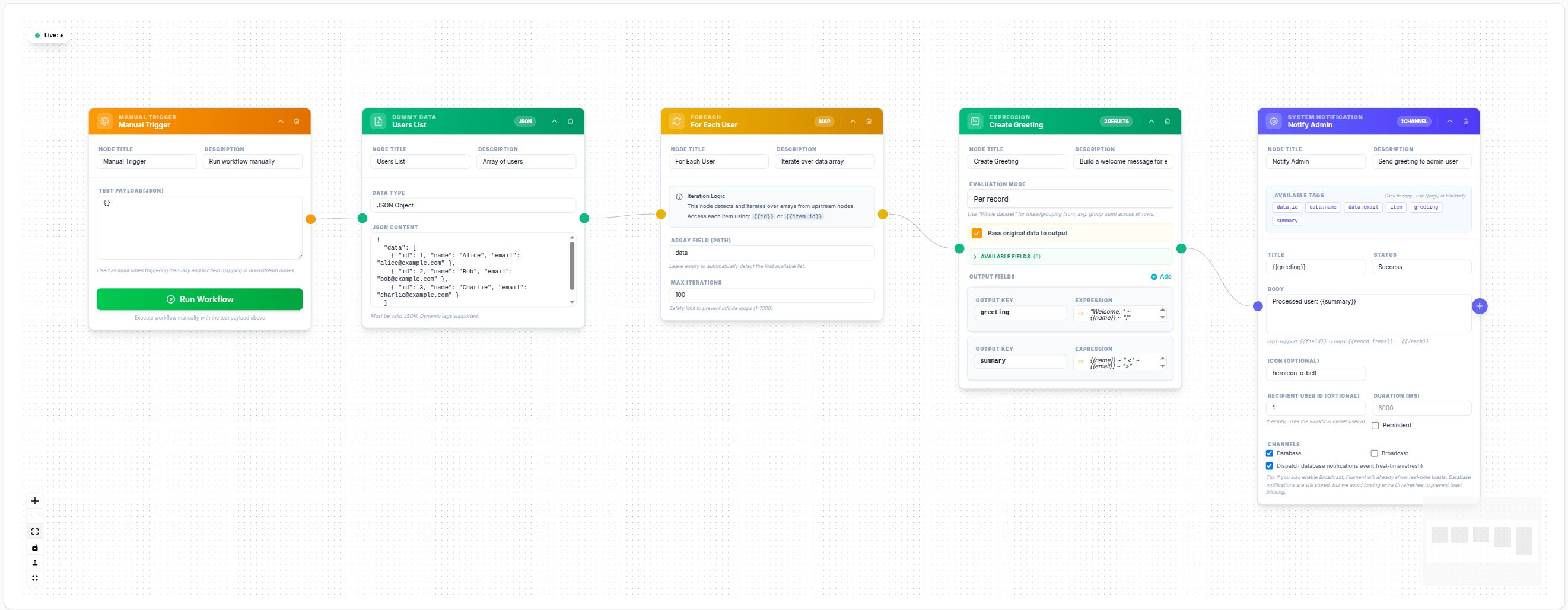
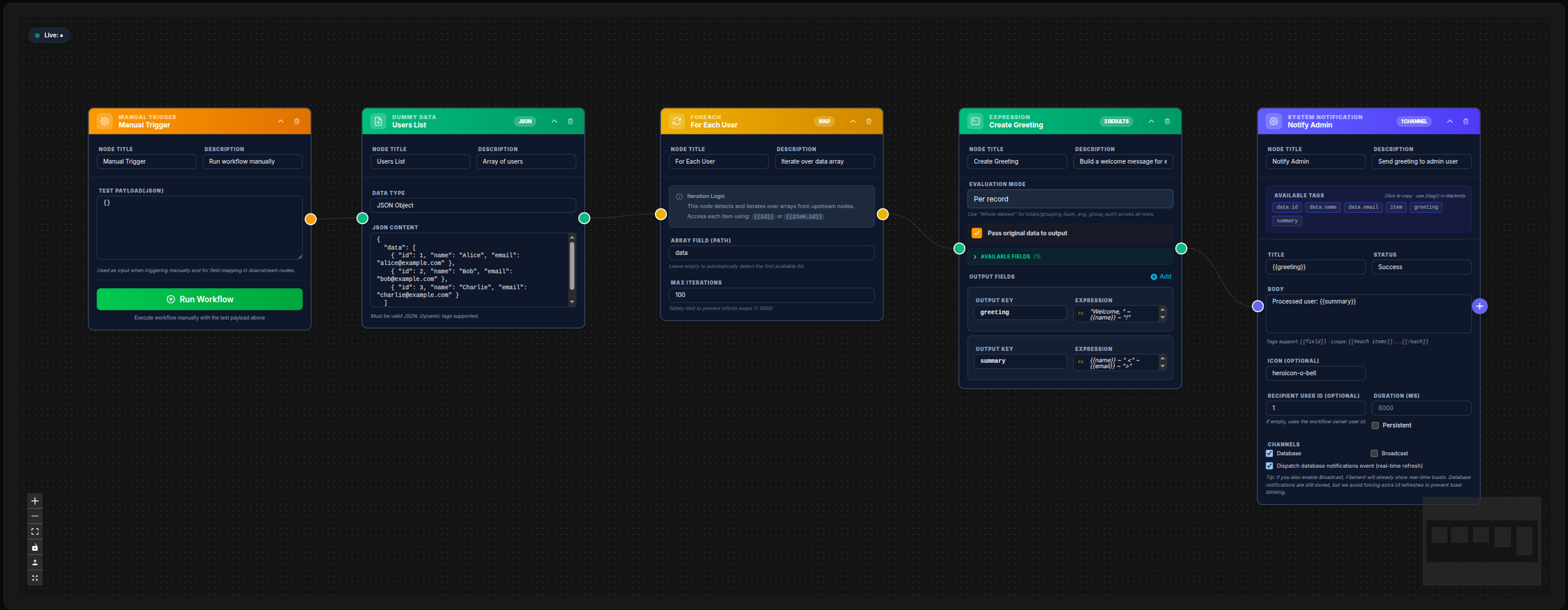
Array Field: data
Max Iterations: 500
Downstream Send Mail node:
To Email: {{item.email}}
Subject:  Hello {{item.name}}
💾 Try this example
Download the workflow JSON — open an empty workflow and import the file.
Example: Nested Array via Dot Notation
If input is:
{ "response": { "users": [{ "id": 1 }, { "id": 2 }] } }Configure:
Array Field: response.usersPerformance Considerations
- For very large arrays (thousands of items), consider chunking data in the Data Model node using
limitandoffset - The For Each node executes synchronously within a single job — for CPU-intensive or long per-item operations, consider using PHP Code with queue dispatch instead
- Set
max_iterationsappropriately for your use case
Notes
- The For Each node does not parallelize — items are processed sequentially
- Nesting multiple For Each nodes (nested loops) is supported but should be used carefully to avoid exponential iteration counts