
If
Type key: if_node
Group: Flow Control
Category: flow
Tier: CORE
Version: 1.1.0
The If node evaluates a condition against the current data and routes execution to either the True or False output branch. It is the primary tool for conditional branching in a workflow.
Handles
| Handle | Direction | Color | Description |
|---|---|---|---|
input | Input | — | Receives data from the preceding node |
true | Output | Emerald | Path taken when the condition is satisfied |
false | Output | Rose | Path taken when the condition is not satisfied |
Configuration
| Field | Type | Description |
|---|---|---|
condition | object | A single condition definition |
conditions | array | Array of condition objects (first one is used) |
Condition Object
{
    "field": "status",
    "operator": "equals",
    "value": "completed",
    "datePart": null,
    "timeUnit": null
}| Property | Type | Description |
|---|---|---|
field | string | Dot-notation path to the field (e.g. order.status, user.age) |
operator | string | Comparison operator (see table below) |
value | mixed | Value to compare against; supports {{tags}} |
datePart | string | For date operators: year, month, day, hour, minute |
timeUnit | string | For relative date operators: days, hours, minutes |
Supported Operators
| Operator | Description | Type-Aware |
|---|---|---|
equals / = | Strict equality | ✓ |
not_equals / != | Not equal | ✓ |
greater_than / > | Numeric greater than | ✓ |
less_than / < | Numeric less than | ✓ |
greater_than_or_equal / >= | Numeric GTE | ✓ |
less_than_or_equal / <= | Numeric LTE | ✓ |
contains | String contains substring | — |
not_contains | String does not contain | — |
starts_with | String starts with | — |
ends_with | String ends with | — |
is_empty | Value is null/empty string/empty array | — |
is_not_empty | Value is not empty | — |
in | Value is in a comma-separated list | — |
not_in | Value is not in list | — |
is_null | Value is null | — |
is_not_null | Value is not null | — |
date_equals | Date field equals a date | ✓ Date |
date_after | Date field is after a date | ✓ Date |
date_before | Date field is before a date | ✓ Date |
date_within_last | Date is within last N time units | ✓ Date |
Type-Aware: The system automatically infers whether to compare as integer, float, string, boolean, or datetime based on the actual value at runtime.
Behavior
- The node reads
$context->inputand extracts the field value using dot notation - Compares the extracted value against the configured
valueusing the selected operator - If the condition is
true, data flows through thetrueoutput handle - If the condition is
false, data flows through thefalseoutput handle - The original input data is passed unchanged through whichever branch is taken
Examples
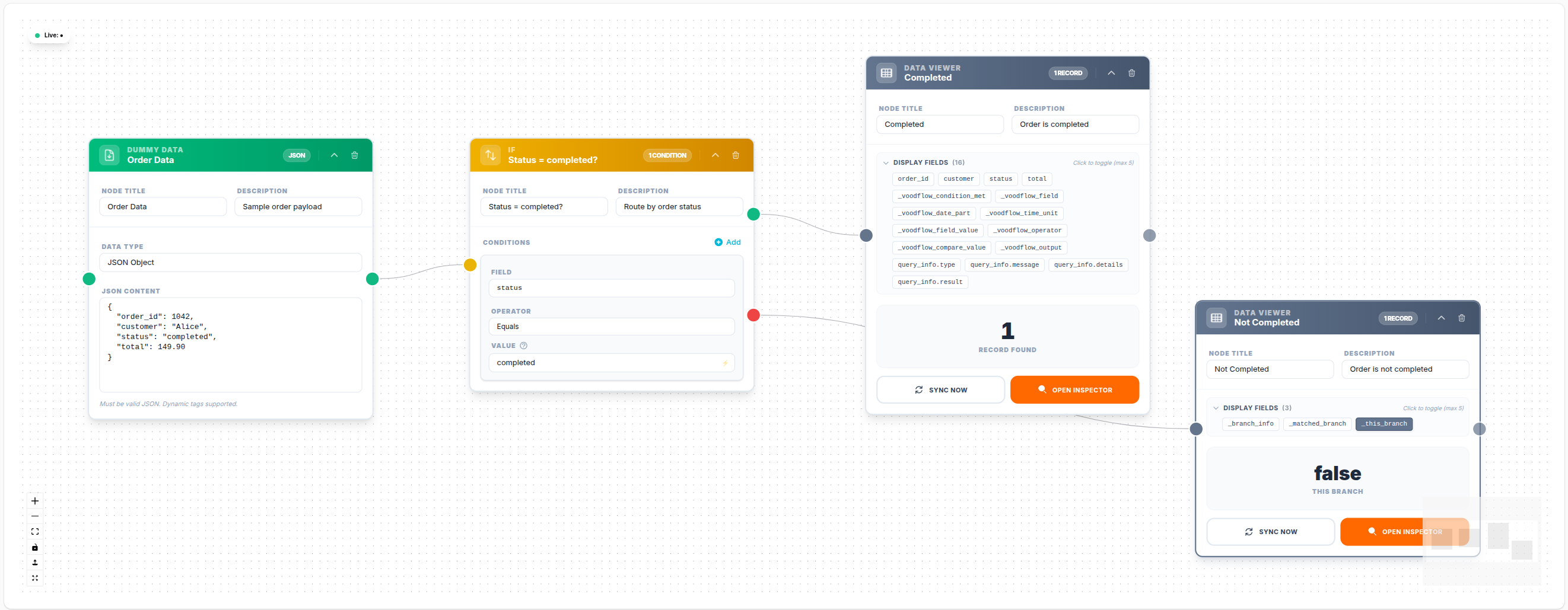
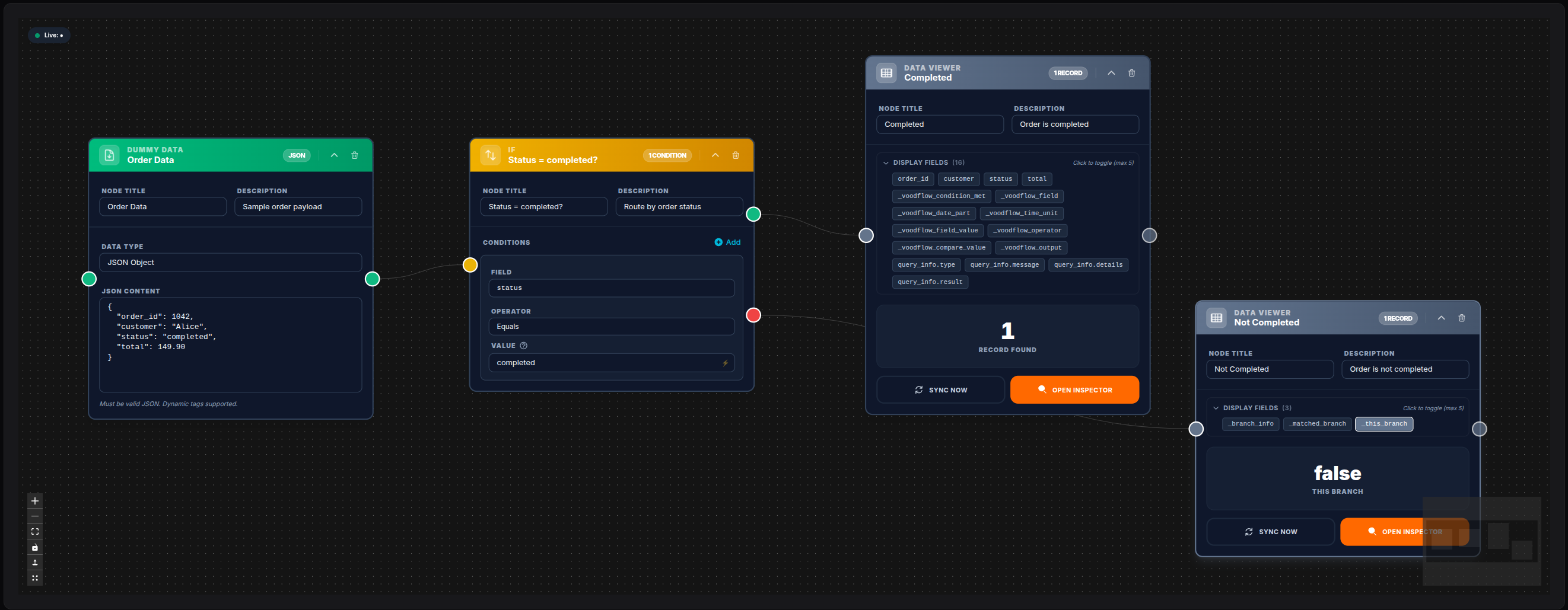
Route by Order Status
Field:    status
Operator: equals
Value:    completed
→ true branch if input.status === "completed"
💾 Try this example
Download the workflow JSON — open an empty workflow and import the file.
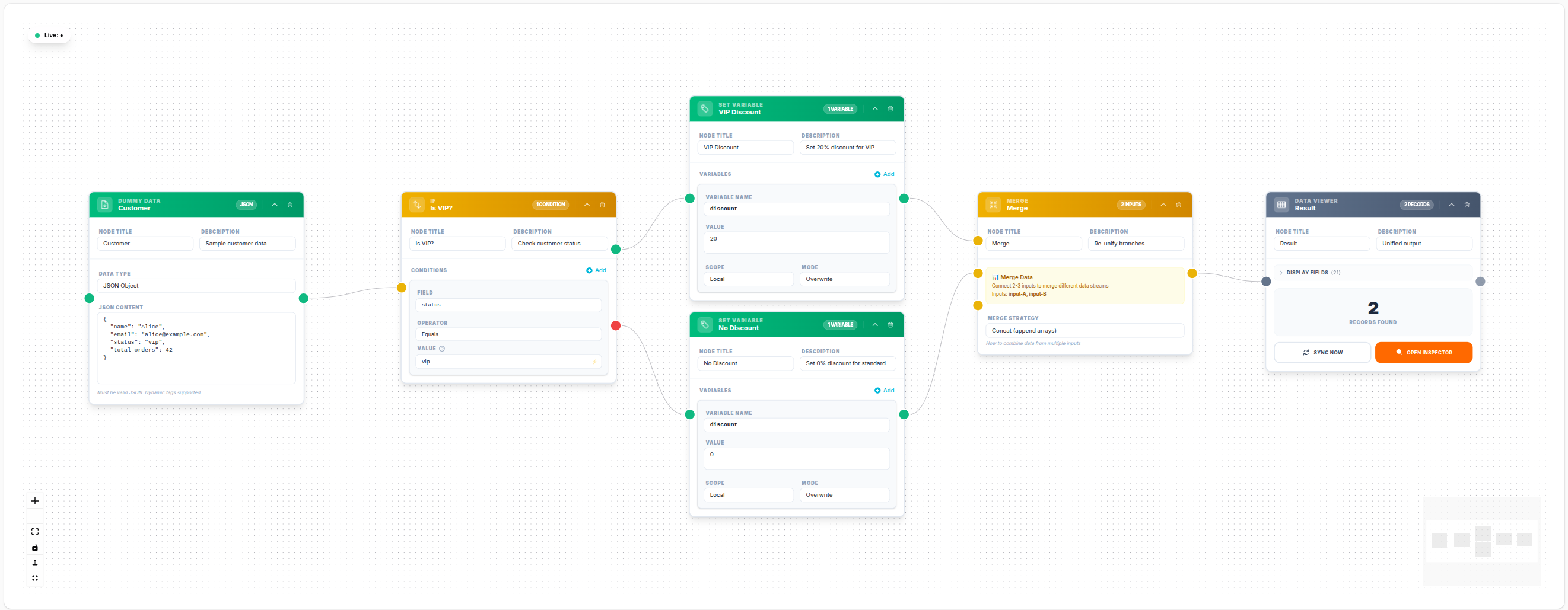
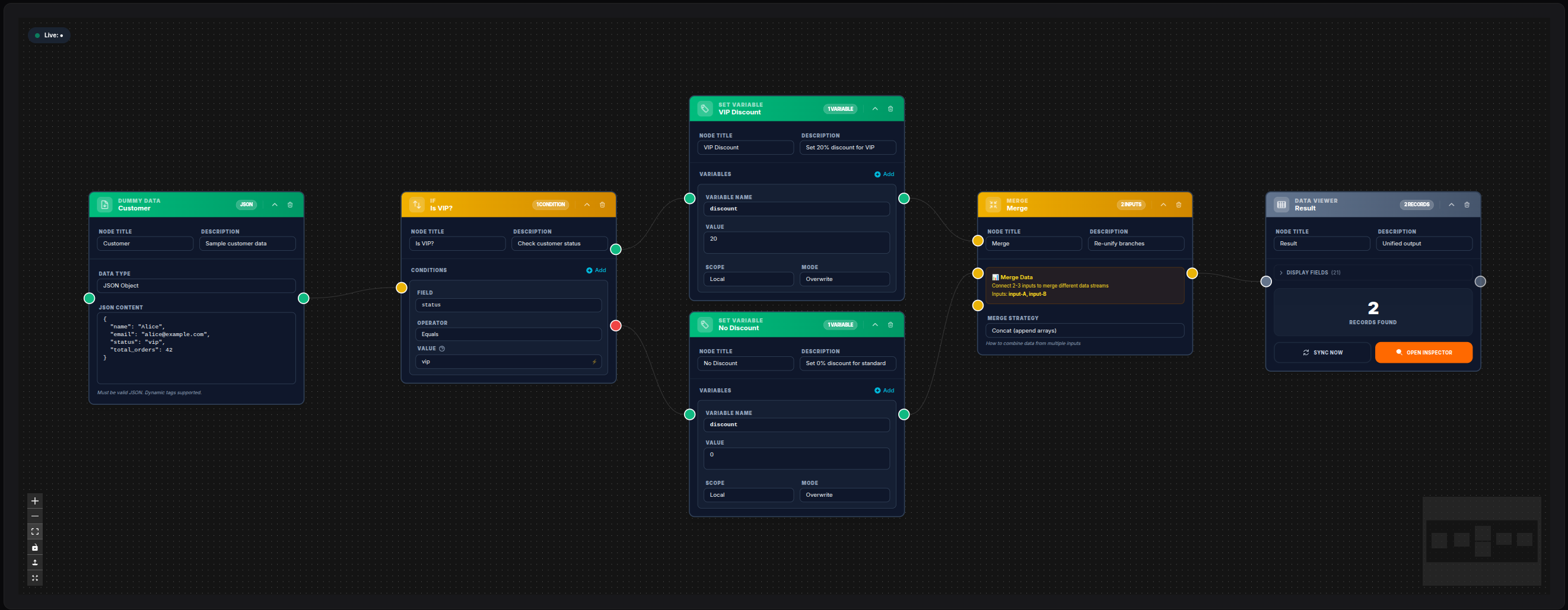
Reunify branches with Merge
After an If splits the flow, a Merge node can join the true and false paths so downstream nodes run once with whichever branch fired.
💾 Try this example
Download the workflow JSON — open an empty workflow and import the file.
Check Numeric Threshold
Field:    total
Operator: greater_than
Value:    1000
→ true branch if input.total > 1000
Dynamic Value from Previous Node
Field:    score
Operator: greater_than_or_equal
Value:    {{variables.min_score_threshold}}
→ Compares input.score against a workflow variable
Date Freshness Check
Field:    created_at
Operator: date_within_last
Value:    7
timeUnit: days
→ true if the record was created within the last 7 days
Notes
- Both output branches can have their own downstream nodes. You do not need to connect both — unconnected branches simply terminate.
- The If node passes all input data unchanged through the activated branch. It does not modify data.
- For more than two branches, use the Switch node.